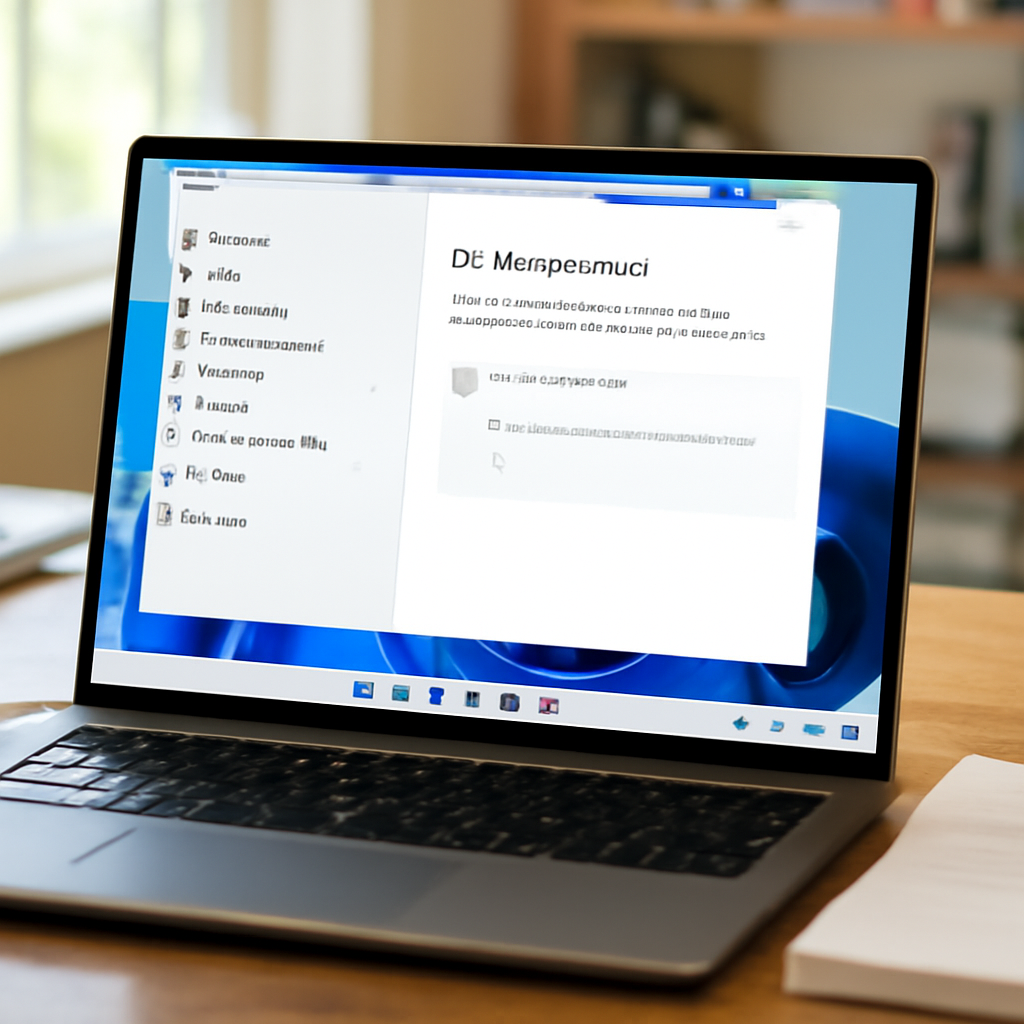
Microsoft has confirmed a new, user-facing problem tied to the April 2026 cumulative updates: security warnings shown when opening Remote Desktop Protocol (.rdp) files can render with overlapping text and misplaced buttons, and in some configurations the dialog may be difficult or impossible to interact with. The company updated its original advisories to describe the behavior and to identify the affected releases.
Microsoft confirms the issue and lists affected updates
According to Microsoft's advisory updates, the problem affects all supported Windows releases that received the April 2026 fixes. The specific updates named by Microsoft are Windows 11 (KB5083768 and KB5083769), Windows 10 (KB5082200), and Windows Server (KB5082063). Microsoft characterizes the problem as a known issue introduced alongside the new RDP security warnings.
How the warning flow changed in April 2026
Microsoft introduced new protections for RDP connection files in the April 2026 cumulative updates. After installing the security update, users see a one-time educational prompt the first time they open an RDP file. On subsequent opens, Windows displays a security dialog before any connection is made. That dialog is designed to show whether the RDP file is digitally signed by a verified publisher, the remote system's address, and a list of local resource redirections such as drives, clipboard, or devices — with every redirection option disabled by default.
When an RDP file is not digitally signed, Windows shows a "Caution: Unknown remote connection" warning and labels the publisher as unknown. When a file is signed, Windows shows the publisher and still warns users to verify legitimacy before connecting.

The cyber insurance questionnaire just landed. Now what?
SOC 2, HIPAA, insurance renewals - someone has to own security strategy. Nubivance provides fractional CISO leadership without the full-time salary.
Get a security leadMultiple-monitor scaling identified as the trigger
Microsoft says the display faults "might occur when you use more than one monitor with different display scaling settings (for example, one display set to 100% and another set to 125%)." In those cases, the company reports, "the warning window might show overlapping text or partially hidden buttons, which can make the message difficult to read or interact with."
Microsoft's description makes clear the issue is visual and interaction-focused: text can overlap and buttons can be misplaced or partially hidden, not that the security checks themselves fail. Still, the rendering problems can prevent users from reading the information the dialog is intended to convey or from interacting with the dialog controls.
Enterprise use of RDP files and the threat context
RDP files are commonly used in enterprise environments because administrators can preconfigure them to automatically redirect local resources to a remote host. Microsoft framed the new prompts as a protection against malicious RDP connection files — a response to growing misuse. The advisory notes that adversaries have abused RDP files in phishing campaigns; it cites a concrete case, saying the Russian state‑sponsored APT29 group has previously used RDP files to steal credentials and documents remotely.
What this means for enterprise admins, end users, and security teams
- Enterprise administrators: The new dialog is intended to make RDP file behavior explicit — including which local resources will be redirected — but the display bug could interfere with rollout and user workflows, especially in multi-monitor workplaces that use mixed scaling settings.
- End users: Users will encounter a one-time educational prompt and then a security dialog when opening RDP files; when monitors use different scaling, those dialogs may be hard to read or interact with, increasing confusion at the point of connection.
- Security teams: The change increases visible checks on RDP files (signed vs. unsigned, publisher names, listed redirections). However, the rendering issue can obstruct that visibility, creating a gap between policy intent and user experience that teams will need to account for when assessing risk and user training.
Microsoft has acknowledged the user-interface problem in its advisory updates for the named KBs. The company’s description links the bug to mixed display scaling on multi‑monitor setups and reiterates that the warning text and controls may be overlapped or partially hidden in those circumstances. The fixes that introduced the new RDP warnings are designed to improve security by surfacing publisher and redirection details; the newly reported rendering fault has the opposite effect for affected users, undermining the dialogue's clarity at a moment when clarity matters most.
Original story: https://www.bleepingcomputer.com/news/microsoft/microsoft-new-remote-desktop-warnings-may-display-incorrectly/