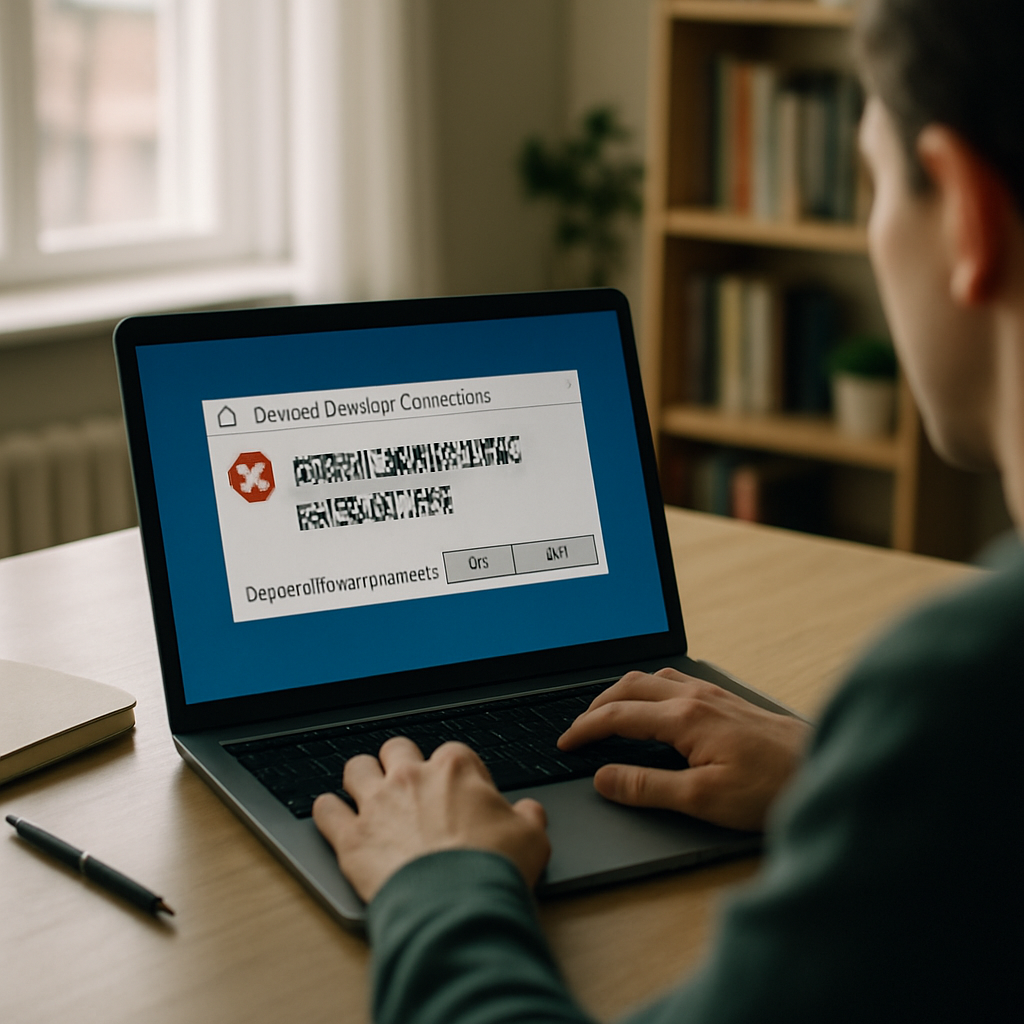
"The warning message that appears when opening Remote Desktop (RDP) files might not display correctly in some cases," Microsoft warned after shipping an update intended to make Remote Desktop safer.
April 14 update: a new RDP warning to blunt phishing
On April 14 Microsoft shipped an update that changes how Remote Desktop handles .rdp files: before connecting, Remote Desktop now shows all requested connection settings with each setting turned off by default, and a one‑time security warning appears the first time an .rdp file is opened on a device. The company framed the change as a hardening intended to counter phishing attacks that abuse .rdp files.
Display-scaling bug makes the warning unreadable or hard to use
That protective dialog, however, does not always render correctly. Microsoft placed a bug on the Known Issues list for the April 14 update describing a display problem in which the warning "might not display correctly in some cases." The failure can present as overlapping text or partially hidden buttons, leaving the message difficult to understand and, where buttons are obscured, tricky to interact with.
Microsoft said the glitch appears related to mixed display scaling: it can occur "when you use more than one monitor with different display scaling settings (for example, one display set to 100 percent and another set to 125 percent)." The underlying symptom reads like a dialog that does not respect the active monitor's scaling.

The cyber insurance questionnaire just landed. Now what?
SOC 2, HIPAA, insurance renewals - someone has to own security strategy. Nubivance provides fractional CISO leadership without the full-time salary.
Get a security leadWorkarounds: same scaling, keyboard navigation, or less screen real estate
Microsoft offered practical temporary measures rather than an immediate patch. Users can set display scaling the same on all monitors to avoid the rendering problem. If buttons are unclickable, Microsoft noted they can be activated using the tab key and spacebar. The reporting journal noted, in summary, that other alternatives include "either invest in a pair of spectacles or accept a loss of screen real estate," adding that Windows permits different scaling settings for good reasons and users frequently choose nonuniform scaling across monitors.
.NET emergency update and CVE-2026-40372
Microsoft did not issue an Out‑of‑Band update specifically to fix the Remote Desktop display bug, but it did release an Out‑of‑Band update the same week to address a separate, more serious .NET vulnerability discovered after Patch Tuesday. While investigating complaints about the .NET 10.0.6 update, Microsoft found an elevation‑of‑privilege vulnerability and assigned it CVE‑2026‑40372. The attack is made possible by forging authentication cookies, Microsoft said, and affects versions 10.0.0 through 10.0.6 of .NET. The vulnerability was judged severe enough to trigger the emergency update.
What this means for end users, security teams, and enterprises
- End users: Some people who open .rdp files may not see or be able to interact with the new security warning. Practical steps available now are to set display scaling uniformly across monitors or use keyboard navigation (tab + space) to activate obscured buttons.
- Security teams and technologists: The intended anti‑phishing benefit — a visible, default‑off presentation of connection settings — will be impaired for users hit by the scaling bug. Teams should incorporate the Microsoft guidance into user communications and deployment notes until Microsoft "address[es] this issue in a future Windows update."
- Enterprises and procurement leaders: The update and its Known Issue potentially affect "all versions of Windows that received the update, even the newest Windows 11 26H1," the reporting noted. Separately, the .NET emergency update covers versions 10.0.0–10.0.6 and responds to CVE‑2026‑40372; those running affected .NET releases will need to track and deploy that critical patch.
Microsoft's change to display connection settings before connecting and to default those settings off is a clear defensive step. For now, a display‑scaling bug prevents that defense from reaching every user as intended, and Microsoft says it will "address this issue in a future Windows update." In the meantime, keyboard navigation and uniform scaling are the available mitigations, while the company has already moved to patch the unrelated .NET elevation‑of‑privilege flaw CVE‑2026‑40372.