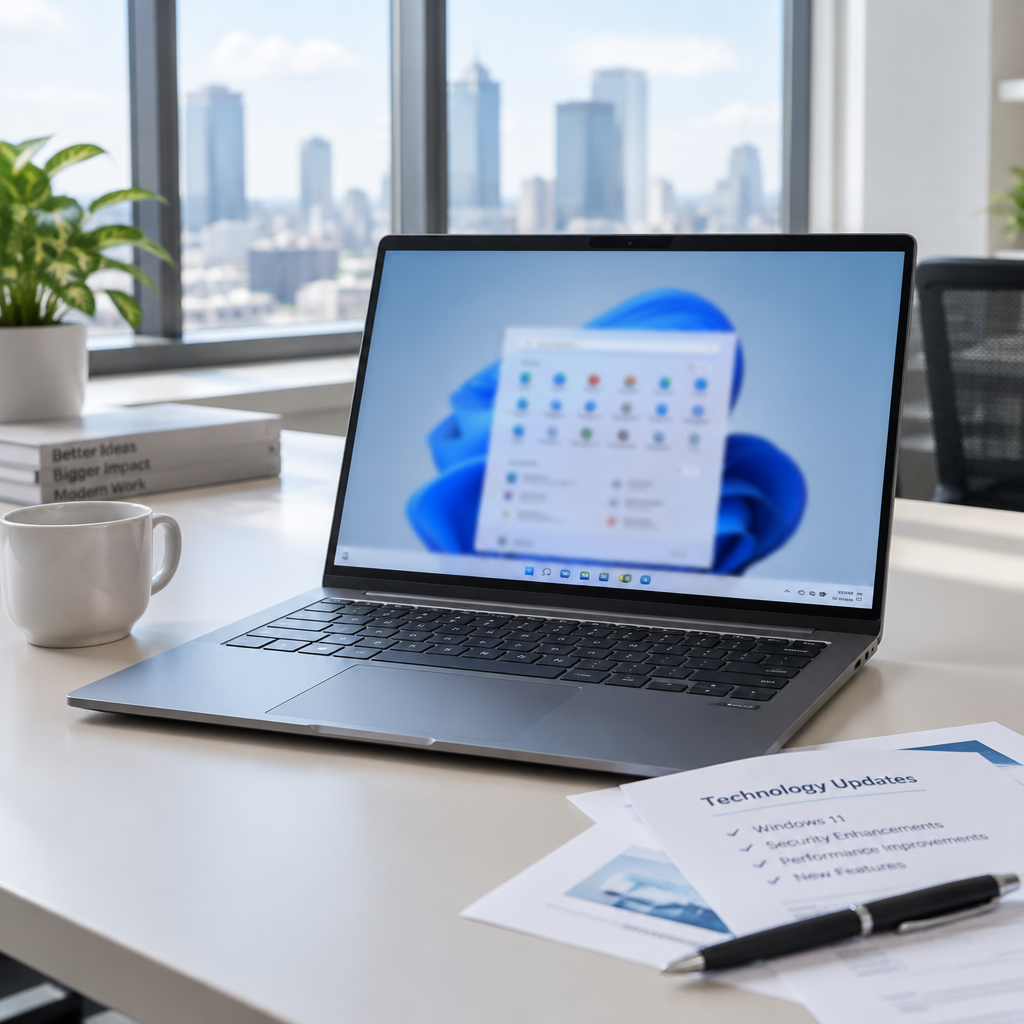
"With recent and upcoming Windows updates over the next few months, a limited number of consumer and business devices might experience one additional restart during installation," Microsoft noted in a message center update.
KB5132057: what the November preview brings
Microsoft released KB5132057 as the November optional cumulative update for Windows 11 25H2 and 26H2. The update is a non-security preview that bundles 28 changes and fixes meant for testing ahead of next month's Patch Tuesday. As a preview, KB5132057 delivers quality improvements and new features but does not include security fixes.
After installation, devices move to builds 26300.10075 (26H2) and 26200.10075 (25H2). Microsoft described this release as the final non-security preview update of the year, with normal monthly servicing scheduled to resume in January.
Windows Search, the new Run dialog, and inline actions
KB5132057 ships a redesigned Windows Search Box experience built on WinUI 3 and removes promotional content from web results to streamline the interface and improve resource efficiency. File Explorer gains a faster, indexer-based "Search from This PC" that aligns with the behavior in File Explorer Home.
The update also restores the refreshed Run dialog introduced in May. Microsoft measures its time-to-show at just 94 ms; users can enable the new Run dialog under Settings > System > Advanced by toggling on "New Run dialog."
Another visible change is inline actions within Windows Search: common tasks can now be completed directly from Search without opening Settings. Examples given by Microsoft include turning on dark mode or Bluetooth, adjusting screen brightness, muting a device, or arranging open windows. If an Android phone is connected through Phone Link, Search can initiate calls or texts and trigger phone actions such as "Find my phone" and "Do Not Disturb."

Audit-ready is a season. It shouldn't be.
Evidence in spreadsheets, controls drifting between audits, frameworks multiplying on flat headcount. Nubivance runs continuous compliance on Rapid7 Cyber GRC - SOC 2, HIPAA, ISO 27001, PCI, CMMC.
End the scrambleSign-in improvements: Windows Hello and Web sign‑in for Microsoft Entra hybrid‑joined devices
KB5132057 improves facial recognition for Windows Hello by allowing sign-ins in dark rooms when users enable "Automatically adjust screen brightness during face recognition" under Settings > Accounts > Sign-in options > Facial recognition (Windows Hello).
Separately, the update expands web sign-in support to Microsoft Entra hybrid-joined devices in addition to Microsoft Entra-joined devices. On the lock screen, users can sign in without a password using a FIDO2 security key, a passkey on a phone, or a Temporary Access Pass (TAP). After web sign-in, Windows obtains a Kerberos ticket so access to on-premises file shares and internal sites continues to work, per Microsoft's description.
Smaller fixes and accessibility changes
Among the other items in the 28-change list, Microsoft added an immediate way to dismiss accidentally triggered accessibility keyboard shortcuts. If Sticky Keys, Filter Keys, or Toggle Keys are activated by a shortcut, the prompt that appears now includes an option to turn them off directly; notification and sound settings for these features remain available under Settings > Accessibility > Keyboard > Notification preferences.
The update also addresses a File History issue where the restore interface might fail to find backups when a drive is selected as the backup location.
Deployment notes for IT teams, enterprises, and end users
- IT administrators: Use KB5132057 as a test vehicle. Microsoft framed the release as a preview "that allows IT administrators to test Windows improvements, bug fixes, and new features before they become generally available" on Patch Tuesday.
- Enterprises and procurement: Because KB5132057 is optional and non-security, rollouts can be staged. The update will not deliver security fixes, so organizations that defer it will not be delaying security patches tied to next month's security servicing.
- End users: Install the update through Settings > Windows Update > Check for Updates. Because the update is optional, click "Download and install" if you don't have "Get the latest updates as soon as they're available" enabled; alternatively, download the preview manually from the Microsoft Update Catalog.
Microsoft warned that a limited number of devices may experience one additional restart during installation because a Secure Boot certificate update is applied as part of the Secure Boot update process. That one‑time restart may occur after deploying KB5132057 and updates rolling out over the coming months.
For administrators and users deciding whether to apply KB5132057 now or wait for the next cumulative security release, the trade-offs are clear: early access to interface and sign-in improvements, at the cost of an optional installation and the possibility of a one-time extra restart. Microsoft has indicated normal servicing will pause for the Western holidays and resume in January, leaving this preview as the last non-security test build for the year.