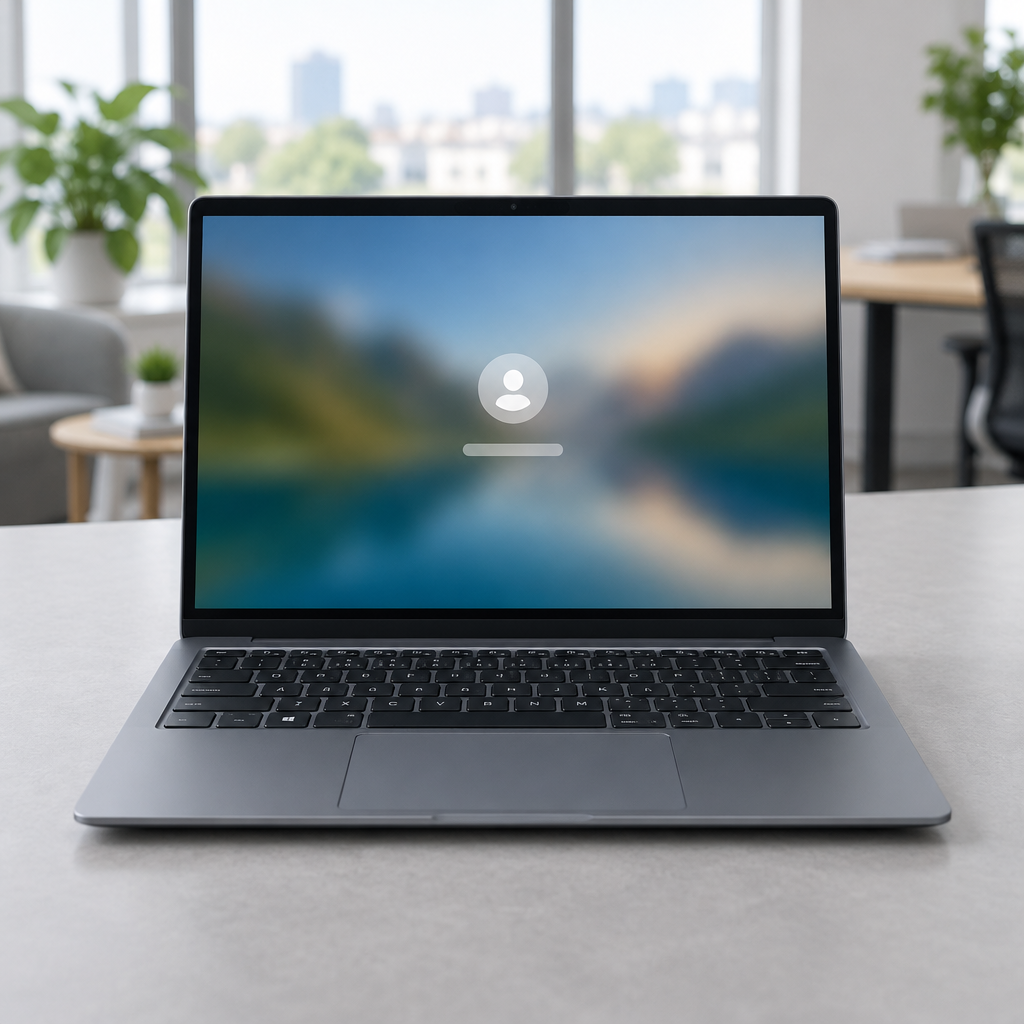
"There is no offline or local unlock. No PIN, password, local admin, or web sign-in works on a locked device; unlock arrives only through Intune," Microsoft's documentation states.
Intune-controlled Remote Lock: what it does and what it doesn't
Microsoft has published an experimental Windows 11 build that previews a new Intune-managed Remote Lock capability intended for enterprise administrators. Remote Lock allows an administrator to push a lock to a managed device; the instruction takes effect at the device's next Intune check-in. When applied, Windows signs out every active session, hides every sign-in option, and displays a locked screen. The lock survives restarts and persists while the device is offline — and, per Microsoft's documentation, only an administrator can lift it remotely.
The company frames Remote Lock as a non-destructive response to a report of a missing device: it does not erase data or isolate the device from the network. Microsoft explicitly directs administrators to other Intune controls if they require device erasure or network isolation. The user's account itself is not affected by the Remote Lock; the restriction applies only to the specific device. Microsoft also warns that the lock does not block Safe Mode, the Windows Recovery Environment, or booting from external media, and advises keeping BitLocker enabled to protect the device's data.
Security controls around credentials and hardware keys
Alongside Remote Lock, the experimental build previews the ability to view and individually remove passkeys stored on FIDO2 (Fast Identity Online 2) security keys. That change lets administrators and users inspect passkeys kept on hardware authenticators and delete them on a per-passkey basis. The build also includes a preview of the Microsoft Pluton Cryptographic Provider.
Taken together, these features reflect a twin emphasis: more granular control over authentication artifacts such as passkeys and a mechanism to render a managed endpoint unusable without resorting to destructive measures. Microsoft notes that once the device lock is applied, even stolen credentials will not restore access through the normal sign-in screen — underscoring the device-specific nature of the control.

Audit-ready is a season. It shouldn't be.
Evidence in spreadsheets, controls drifting between audits, frameworks multiplying on flat headcount. Nubivance runs continuous compliance on Rapid7 Cyber GRC - SOC 2, HIPAA, ISO 27001, PCI, CMMC.
End the scrambleRemoval of Maps and Offline Maps settings
The beta build also removes another legacy element of Windows: Offline Maps settings. Microsoft has retired the Windows UWP Map control and Windows Maps platform APIs, and Offline Maps settings are now following the Maps app out of the operating system. The Maps app itself was removed from the Microsoft Store and made nonfunctional in July 2025; the original Maps app dates back to Windows Phone 7 and arrived on the desktop with Windows 8. Microsoft stopped preinstalling the Maps app with Windows 11 version 24H2.
What this means for enterprise administrators, security teams, and end users
- Enterprise administrators: Remote Lock gives a way to render a managed device inaccessible without data loss; admins must plan for device check-in timing, rely on Intune to lift locks, and use other Intune controls where erasure or isolation is required. They should also consider Microsoft's advice to keep BitLocker enabled to protect data on devices that can be locked but still boot external media.
- Technologists and security teams: The ability to view and remove individual FIDO2 passkeys and the preview of the Microsoft Pluton Cryptographic Provider will require testing and policy updates for key management. Teams will want to verify how the lock interacts with recovery options, boot paths such as Safe Mode and Windows RE, and existing endpoint protection workflows.
- End users: A remote lock affects only a specific device and does not disable the user's account, but it will prevent normal sign-in on that device even if credentials are compromised. Users who relied on Offline Maps will lose the Offline Maps settings and the Maps app functionality removed in July 2025.
Microsoft positions Remote Lock as a surgical tool for IT: more restrictive than a simple sign-out but intentionally non-destructive, and tightly bound to Intune for both application and removal. At the same time, the retirement of the Maps platform APIs and Offline Maps settings completes another stage of pruning legacy Windows Phone-era components from the desktop experience. Both moves — added centralized lock authority and continued API retirement — change how administrators, security teams and everyday users will manage devices and rely on platform services.
These features are still in preview and beta; organizations should treat them as testable capabilities rather than finished offerings and validate how Remote Lock, FIDO2 passkey controls and Pluton interact with existing device-protection and recovery practices.