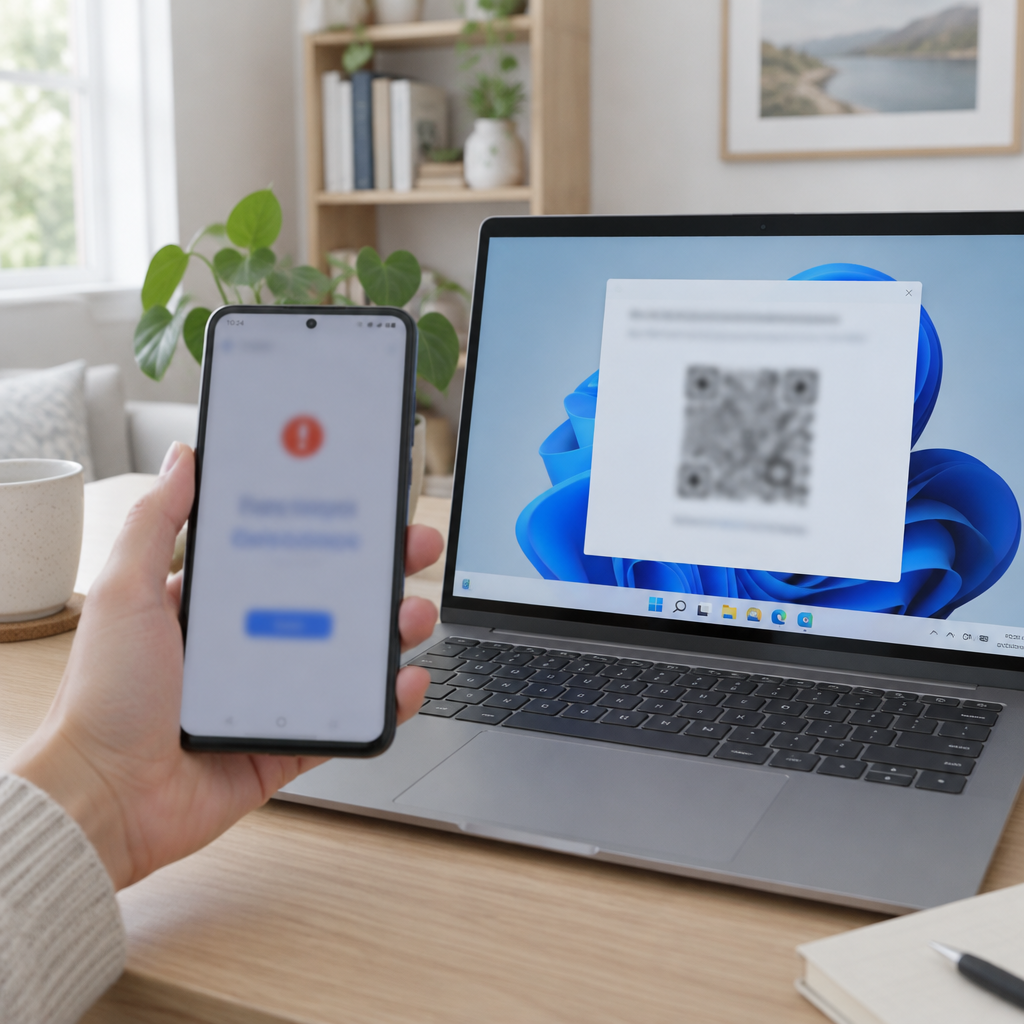
How the bug presented itself on Android devices
Users who scanned a QR code to complete a passkey sign‑in from an Android phone could see the error message above, despite the authentication process actually succeeding on the Windows 11 machine. Microsoft's published guidance says: "In cases where authentication completes successfully on the Windows device, the error message on the Android device is not supposed to appear and can be safely ignored." The misleading message therefore reports a failure that, according to Microsoft, did not occur on the Windows endpoint.
Which apps and browsers were affected
Microsoft said the problem affected cross‑device passkey operations using Microsoft Authenticator and Google Password Manager. The erroneous error display could occur when users signed in using Edge or Chrome, and was not limited to sign‑ins via Microsoft Entra ID. By contrast, cross‑device passkey operations using an iPhone were not affected.

This site is the portfolio.
OSINTSights runs on Cloudflare Workers, D1, R2, and Vectorize, with an AI pipeline on Hetzner ARM. Nubivance designed, built, and operates it. We do the same for clients.
See what we buildWhat cross‑device authentication is in this context
Microsoft defines cross‑device authentication in this case as the ability to sign in on one device using a passkey stored on another device, "without typing a password or copying a verification code." The bug appeared in precisely that flow: a Windows 11 PC initiating sign‑in by prompting an Android device to complete the passkey operation via a QR scan.
Patch details: KB5132057 for Windows 11 25H2 and 26H2
Microsoft addressed the issue in KB5132057, an optional non‑security preview update released on November 19. The fix targets Windows 11 versions 25H2 and 26H2. Until affected machines receive that update, Microsoft’s guidance is to ignore the Android error message if the Windows device shows the sign‑in completed successfully.
What this means for end users, support teams, and enterprise IT
- End users: If a Windows 11 sign‑in completes on the PC, the Android message can be safely ignored, per Microsoft's guidance — useful immediate guidance for individuals encountering the false failure prompt.
- Support teams: The visible Android error will generate support tickets and user confusion even when authentication has succeeded, creating avoidable workload for help desks until systems are patched.
- Enterprise IT and procurement: The remedy is a specific update (KB5132057) for Windows 11 25H2 and 26H2 released on November 19; administrators who want to eliminate the misleading Android prompt will need to deploy that optional non‑security preview update to affected endpoints.
An authentication system that cries failure after a successful sign‑in "isn't doing much for user confidence," the Register observed — and neither will the extra tickets it generates for support teams. Microsoft has issued a fix, and the immediate mitigation is straightforward: where the Windows device reports success, the Android device’s error message can be ignored until KB5132057 is applied to 25H2 and 26H2 machines.
Source: The Register — Windows 11 passkey bug cries failure after successful sign-in