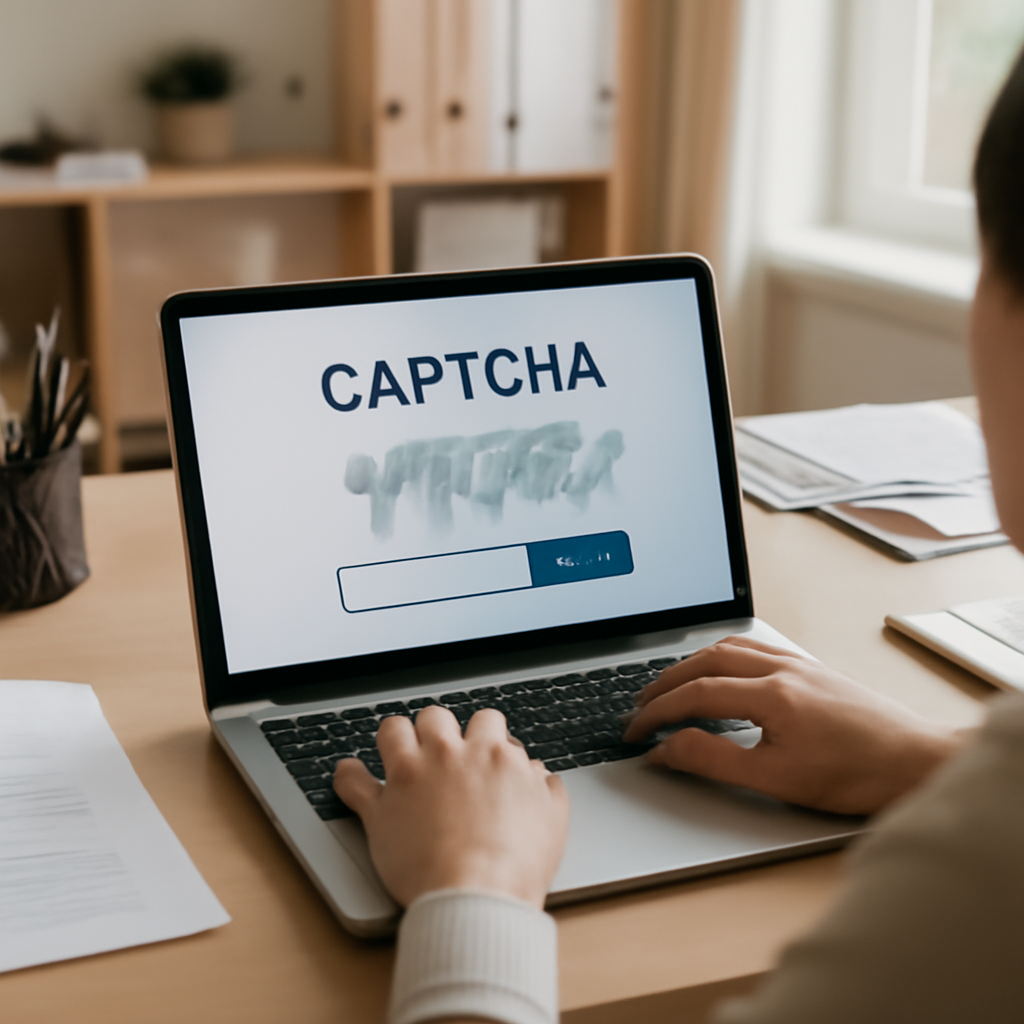
"The clever part of this scam is that it turns a familiar security check into the attack itself. People are so accustomed to completing CAPTCHAs that they may follow instructions without questioning them," wrote @Perrystate in the discussion captured by the post.
How the fake CAPTCHA popped up as a "Windows Key + R" routine on a well‑known website
The report describes an active instance in which a CAPTCHA appeared as a pop‑up on a well‑known website and instructed users to perform the familiar "Windows Key + R" routine. The pop‑up supplied a script that the victim was asked to paste into the Run box and execute. The post notes the author encountered the script as part of a CAPTCHA and asked whether it could be posted "for forensic purposes."
Traffic Distribution System fingerprinting and differential payload routing
Investigators who examined the incident found an active Traffic Distribution System (TDS) that fingerprinted users' device and network characteristics and then routed visitors to different payloads based on that fingerprint. According to the report, visitors using datacenter IP addresses were "nearly always served a clean benign page" — a behavior attackers exploit because many URL scanners use datacenter IPs. By contrast, users on residential or mobile IPs were served the actual malicious payload. If the TDS fingerprinted a visitor as a bot or scanner, it routed them to a monetization domain instead.

This site is the portfolio.
OSINTSights runs on Cloudflare Workers, D1, R2, and Vectorize, with an AI pipeline on Hetzner ARM. Nubivance designed, built, and operates it. We do the same for clients.
See what we buildUser‑agent and OS targeting: Linux users and the missing "Run" box
One observer in the thread said they had never seen the fake CAPTCHA and wondered whether the code sniffed the user‑agent to present the prompt only to Windows users. The same commentator noted that, on their Linux system, pressing the required Win+R produced an application finder rather than the Run box targeted by the pop‑up. That anecdote raises a practical operational detail about the scam: it may be capable of distinguishing visitors by operating system or browser characteristics to increase the chance that victims can execute the supplied commands.
CAPTCHA‑shaped credential phishes and a simple rule of thumb
The post also documents related social‑engineering variants in which CAPTCHAs pre‑fill an email field and solicit a password to "verify" that the visitor "is not a bot." The commentary offers a simple, specific rule: "A useful rule of thumb: if a CAPTCHA asks you to download software, open a terminal or run a command, close the page immediately." The post adds the clarifying statement, "A genuine human‑verification check shouldn’t require any of those actions."
What this means for technologists, affected enterprises, and end users
- Technologists and security teams: Monitor for TDS-like behavior that fingerprints device and network traits and serves different content to datacenter versus residential IPs. Investigators should compare responses from known scanner IPs to responses from consumer networks to detect this differential routing.
- Affected enterprises and procurement leaders: Be aware that third‑party widgets or embedded CAPTCHAs on a "well‑known website" can be shaped into attack vectors. If a site integrates external scripts that can inject pop‑ups asking for local command execution, that raises supply‑chain and third‑party risk.
- End users and the general public: Heed the post's practical guidance — do not paste or run commands supplied by a web page, and close pages that ask you to download software, open terminals, or run commands as part of a CAPTCHA.
Attackers in this case turned a routine verification flow into the delivery mechanism: a CAPTCHA, familiarity, and a short instruction were repurposed into a command‑execution trap. The TDS behavior reported — fingerprinting visitors and serving benign content to datacenter IPs while delivering payloads to residential and mobile IPs — underscores how attackers tune delivery to evade automated scanners. A practical question the record leaves: are these scripts actively sniffing user agents and operating systems to restrict the prompt to Windows users? The answer will determine how broadly this variant can succeed and where detection efforts should focus.