Tag: user education
65 articles

copy-paste attacks: Dangerous, Must-Have Fixes
When a site tells you “paste this into your console” it may seem like helpful tech support, but ClickFix attacks are a fast‑growing social‑engineering scam that trick users into running scripts that steal tokens, clipboard data, or install persistent browser malware. Learn why low technical barriers, defenses that can be bypassed by user interaction, and high‑value browser tokens make copy‑paste attacks especially dangerous — and what can be done to stop them.

infostealers: Must-Have Defenses Against Risky Theft
Imagine the keys to your digital life being quietly copied and sold — infostealers make that easy, so security teams must adopt pragmatic, layered defenses now (patching, EDR, credential vaults, isolation and DLP) to stop rapid credential theft and contain the damage.

ClayRat spyware: Exclusive Risky Android Threat
Imagine a trusted Telegram app secretly scanning your messages, recording calls and sending everything off-device — that’s exactly what the new ClayRat spyware campaign is doing by spreading fake Android APKs through Telegram channels. Avoid sideloading, tighten app permissions, and treat APK links with suspicion to stop your phone from becoming a surveillance tool.

pasting personally identifiable information: Risky Stunning
We keep pasting customer names, order numbers and card details into ChatGPT because it’s fast — but one casual prompt can lead to fines, fraud and lost trust. Make safe AI the easy choice: use sanctioned tools, DLP and clear rules before your next prompt.

Windows shortcuts: Stunning, Risky DLL Lures
A single innocent-looking Windows shortcut in a ZIP can quietly trigger PowerShell to fetch a DLL implant and let attackers run code inside trusted processes — turning everyday convenience into a stealthy compromise. Stay skeptical of unexpected archives and treat shortcut icons as potentially dangerous until verified.
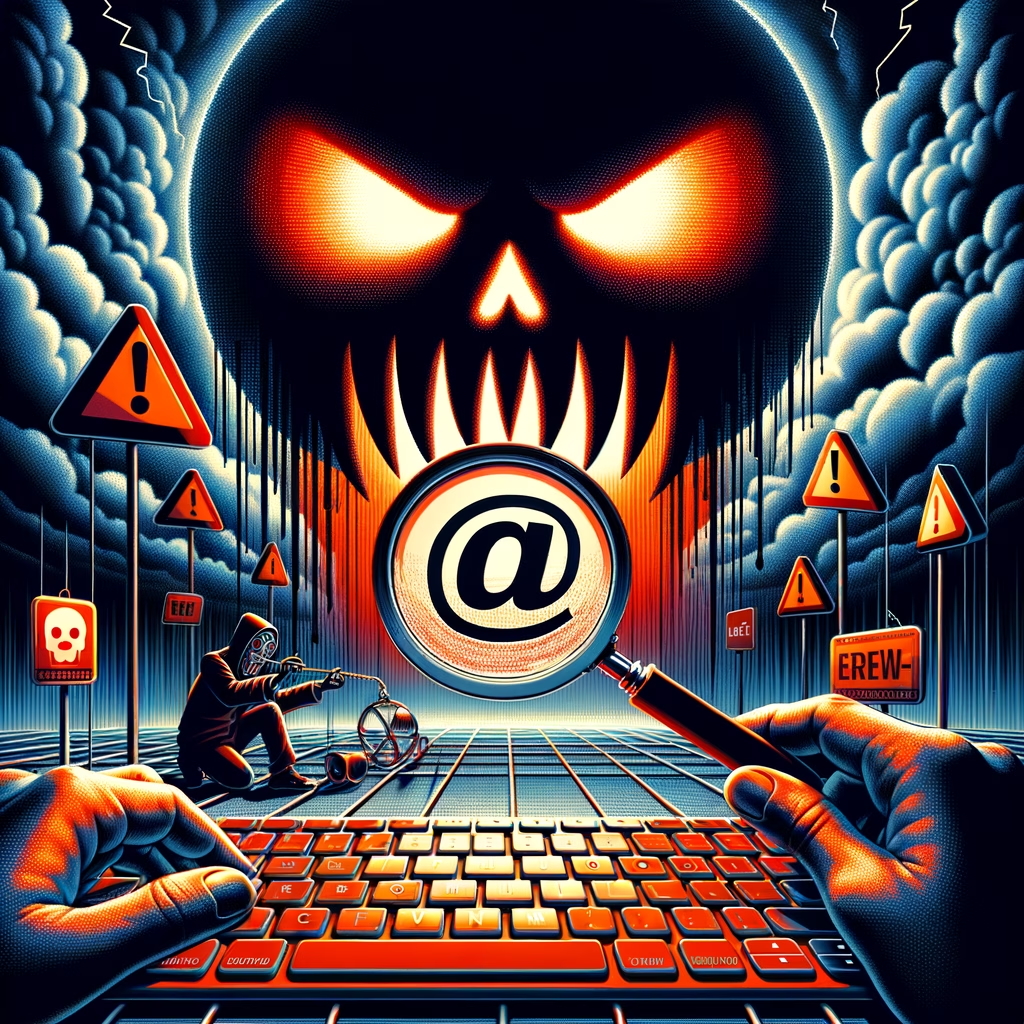
malicious-looking URLs: Stunning Risky Tool Sparks Alarm
A new online tool can turn any ordinary link into a convincingly “malicious”-looking URL, blurring the line between prank and peril and making it harder to tell real threats from harmless links. That dual-use risk means we need better detection, clearer browser cues, and smarter user education before trust on the web starts to erode.
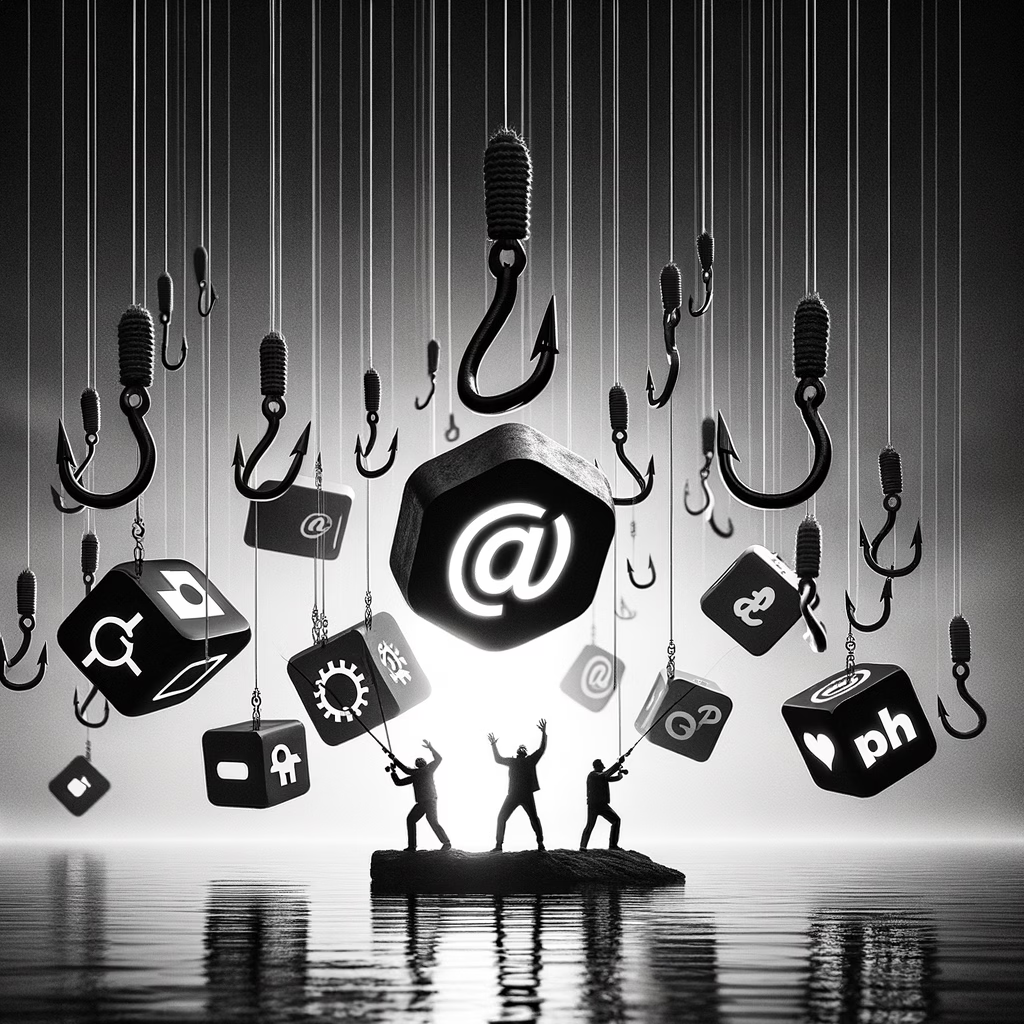
phishing-as-a-service: Stunning Risky Surge
Phishing-as-a-service has exploded into a business — Netcraft found over 17,500 phishing domains spoofing 316 brands — turning credential theft into an off‑the‑shelf operation. Security teams and policymakers must act fast: harden authentication, automate detection, and disrupt the cross‑border plumbing that powers these disposable scams.

FileFix campaign: Stunning Risky Steganography Threat
Imagine a threat hiding inside a photo: the FileFix campaign uses JPG steganography, a PowerShell loader and encrypted EXEs delivered via multilingual phishing to smuggle malware past traditional defenses. Stay cautious with unexpected image attachments and push for content-aware scanning and EDR to catch these layered attacks.

RaccoonO365 Disrupted: Critical, Must-Have Security Win
Microsoft just dismantled RaccoonO365, seizing 338 fake login sites that had harvested at least 5,000 Microsoft credentials — a big win that cuts off a major phishing operation and a wake-up call to harden your accounts.

SEO poisoning: Dangerous, Exclusive Threat to Windows
Search results are being weaponized: lookalike download pages boosted by SEO are tricking Chinese Windows users into installing trojanized installers carrying Hiddengh0st and Winos. Always grab updates from vendor channels, verify installer signatures, and be suspicious of search results that look “too convenient.”

Salty2FA: Exclusive Dangerous Phishing Threat
A new phishing kit called Salty2FA is turning multi-factor authentication into an exploitable step, automating interception of codes, cookies, and push prompts to bypass SMS and app-based 2FA. Organizations should treat 2FA as an architecture—move to phishing-resistant methods like FIDO2, tighten session controls, and ramp up detection before attackers rent this tool and hit your users.

CastleRAT malware: Exclusive Dangerous C/Python Threat
A new strain of CastleRAT, now rewritten in both C and Python, is being spread via a nasty ClickFix trick that convinces users to paste malicious commands into their terminals—don’t paste commands you don’t trust. Stay skeptical of unsolicited “fixes,” verify sources, and treat pasteable commands like executable attachments.

macOS stealer Exclusive: Dangerous, Must-Stop Threat
Think a cracked app is a harmless shortcut? Trend Micro warns that a macOS stealer called AMOS is being bundled with pirated apps and delivered via terminal commands that grant attackers sweeping access—don’t run unverified installers or command-line scripts, and stick to legitimate software to protect your accounts and networks.
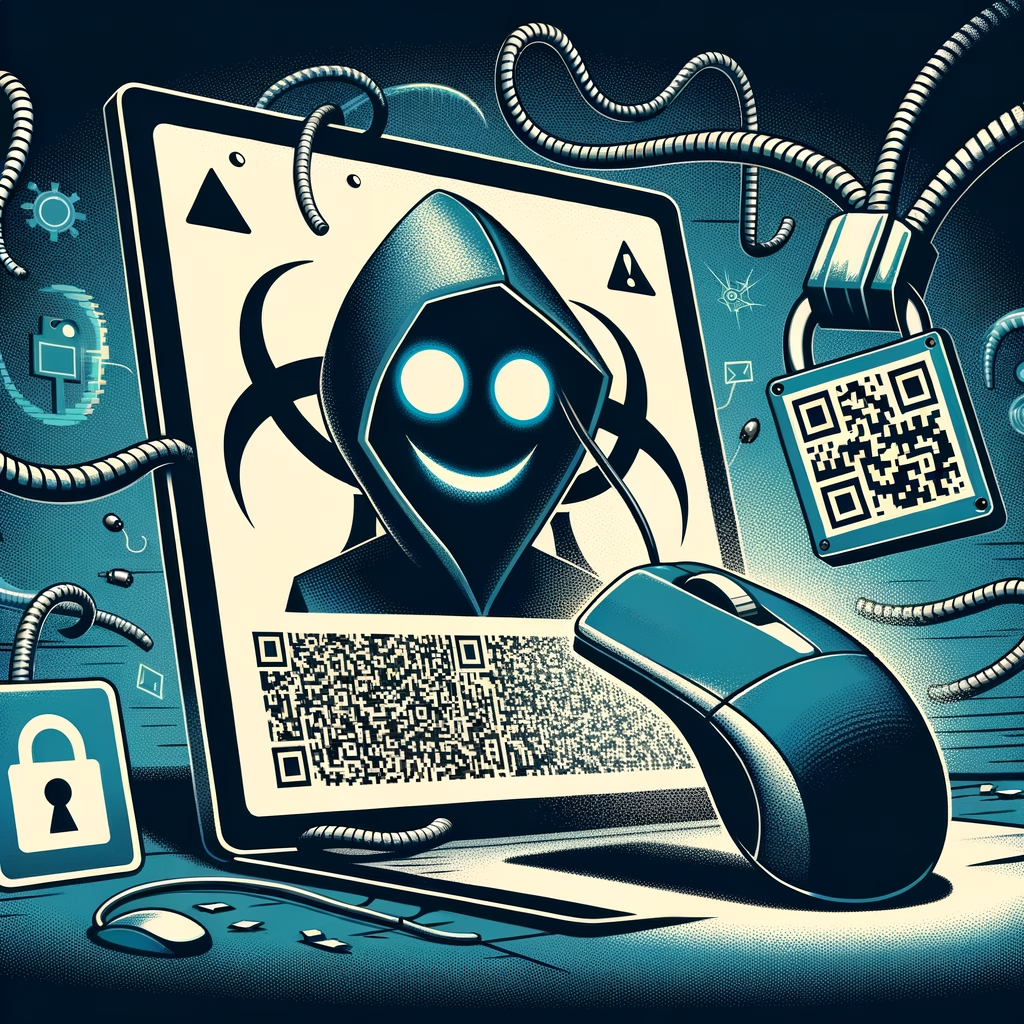
fake CAPTCHAs: Stunningly Dangerous ClickFix Scam
That harmless prove youre human CAPTCHA is being weaponized—attackers use convincing fake CAPTCHAs to trick people into pasting commands that download and run malware. Microsofts ClickFix report shows how believable pages and step‑by‑step prompts turn everyday trust into a direct route to compromise.

QR codes Risky: Must-Have Defenses Against Quishing
Think twice before you scan — attackers are now weaponizing QR codes with split and hidden payloads that can reassemble on your device or piggyback on legitimate codes, making phishing harder to spot. As QR use spreads to payments and workplace authentication, simple scan previews, better detection, and a healthy dose of skepticism are your best defenses.

USB-borne campaign: Critical, Risky Cryptominer Threat
A new global USB-borne campaign turns everyday thumb drives into stealthy cryptomining engines by chaining DLL hijacking with PowerShell — quietly draining CPU/GPU power and sidestepping network defenses. Treat unknown USBs as hostile: disable autorun, use scanned maintenance drives, and harden endpoints to block this low‑tech delivery of high‑tech abuse.

APT28 LameHug: Exclusive Risky AI Threat Warning
MITRE’s take on APT28’s LameHug at Black Hat is a wake-up call: while crude now, this testbed shows how AI and automation could quickly turn basic tools into powerful cyber weapons. Defenders, policymakers, and everyday users should sharpen defenses and share intel now—before experiments like this graduate into routine attacks.

AI in Cybersecurity: Stunning Must-Have Defense
In a rapidly evolving digital landscape, the battle between AI-driven attacks and defenses is more intense than ever. Join us as we unpack the insights from the recent Black Hat conference, where experts discussed how AI can transform from a weapon for cybercriminals to a vital shield for defenders—reminding us that in cybersecurity, staying one step ahead is crucial!

Zero Trust Architecture Must-Have Best Practices
As threats outpace perimeter defenses, NIST’s practical Zero Trust guide shows how to move from assumed safety to continuous verification using everyday tools like MFA, IAM, micro‑segmentation, and telemetry. Start with high‑impact, low‑effort steps and treat Zero Trust as an ongoing program to cut risk without slowing your business.

Cybersecurity vulnerabilities: Must-Have Best Practices
This week’s roundup uncovers alarming flaws—from a critical SharePoint bug that can expose entire orgs to a Chrome exploit that makes ordinary browsing risky—showing attackers now target overlooked misconfigurations as much as flashy zero-days. Stay ahead by prioritizing patching, hardening defaults, and boosting monitoring to keep your data safe.

QR Phishing FIDO Keys: Exclusive Risky Threat Revealed
Think your FIDO key makes you untouchable? PoisonSeed’s QR‑phishing scam shows how a convincing QR scan and fake approval prompt can trick users into granting access—learn how these attacks work and what simple steps you can take to stay safe.

PoisonSeed Hack: Must-Have Warning of Risky Breach
The PoisonSeed Hack reveals how clever QR-based phishing can trick FIDO authenticators—meaning even “phishing-resistant” logins can be hijacked when users approve vague prompts. Learn how to spot fake QR flows, tighten approval UX, and train teams so attackers can’t exploit convenience and trust.

Public Wi-Fi security: Must-Have Tips to Stay Safe
Free public Wi‑Fi is convenient, but that coffee-shop connection could be an open door for attackers — learn simple, must-have tips like using a trusted VPN, verifying network names, avoiding sensitive transactions, and enabling 2FA to keep your data safe.

Fake CAPTCHAs: Shocking Adtech Threat
Find out how fake CAPTCHAs—those seemingly harmless verification checks—are being weaponized by a shadowy adtech network to bypass moderation, spread disinformation, and profit from manipulation, and what it will take to reclaim trust online.