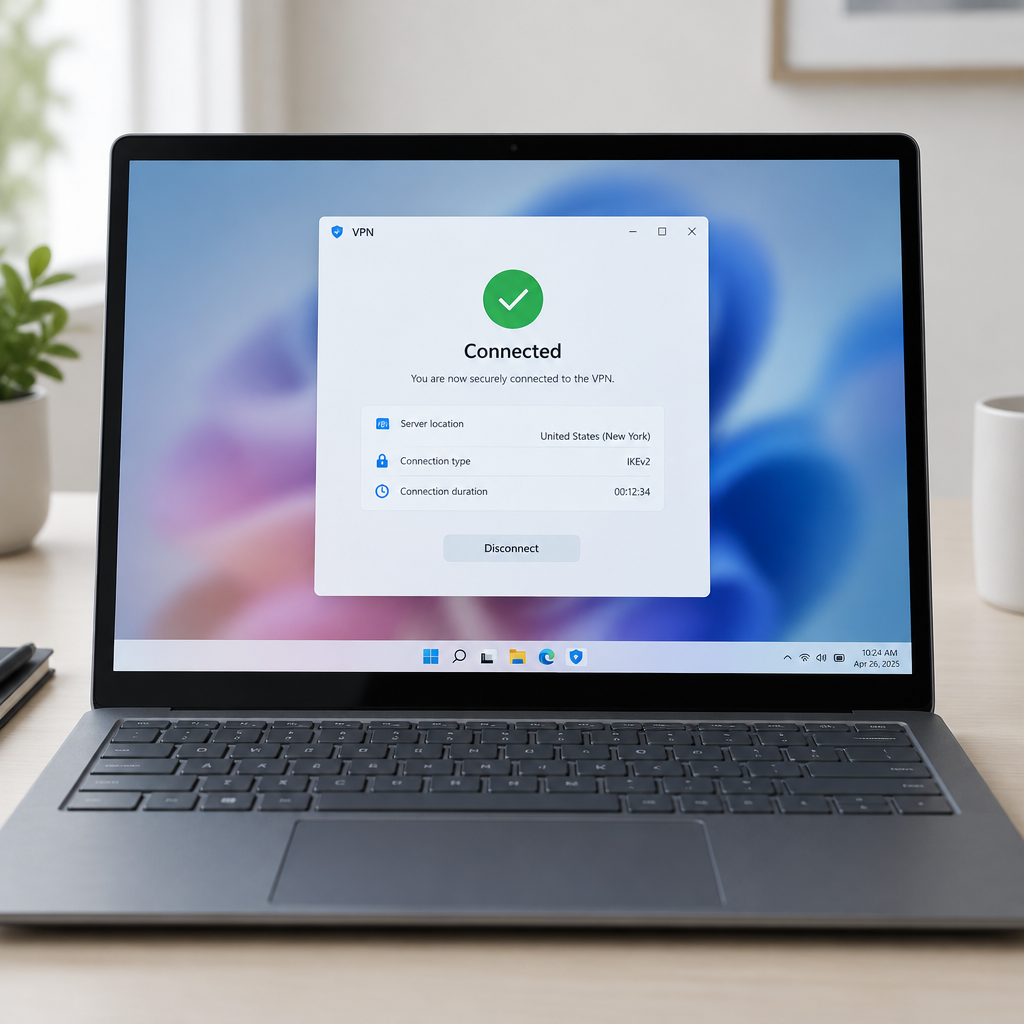
"This issue was resolved by Windows updates released September 8, 2026 (KB5124008), and later. We recommend you install the latest security update for your device as it contains important improvements and issue resolutions, including this one," Microsoft said. The company confirmed a fix after a preview update inadvertently erased some users' customized mouse and desktop settings on Windows 11.
KB5120998 preview update: what changed and what went wrong
Microsoft released KB5120998 as an August 2026 preview update for Windows 11 versions 24H2 and 25H2. The update carried improvements to the Start menu, taskbar, and Windows search, but user reports quickly surfaced that mouse cursor personalization settings had been automatically changed or reset after installing the preview.
According to those reports, affected users were unable to restore their cursor personalization even after uninstalling KB5120998. Microsoft confirmed the problem one day after releasing the preview, acknowledging that the update had introduced an unintended change to mouse and desktop personalization on some devices.
September cumulative KB5124008: the patch and Microsoft's guidance
On Tuesday evening Microsoft announced the issue had been resolved by the September 2026 cumulative update KB5124008. The company advised users to install the latest security update, noting that the fix was included in updates released on September 8, 2026 (KB5124008) and later.
Microsoft also stated on Tuesday that it had resolved a related known issue that wiped custom desktop settings on some Windows devices after installing KB5120998. In short: the two personalization problems tied to the preview update were addressed by the September cumulative release.

Audit-ready is a season. It shouldn't be.
Evidence in spreadsheets, controls drifting between audits, frameworks multiplying on flat headcount. Nubivance runs continuous compliance on Rapid7 Cyber GRC - SOC 2, HIPAA, ISO 27001, PCI, CMMC.
End the scrambleHow KB5120998 reached devices and who was exposed
KB5120998 was distributed as an optional preview update. That meant it required users to click the "Download and install" link to apply it, which limited direct exposure compared with automatic monthly patches. However, systems configured with the "Get the latest updates as soon as they're available" option enabled would receive the preview automatically, increasing the pool of potentially affected devices.
Other recent mouse and input problems Microsoft has handled
The cursor personalization issue followed a string of mouse-related problems Microsoft has addressed in recent months. In October, the company released emergency updates to fix a known issue that made the Windows Recovery Environment (WinRE) unusable by disabling USB mice and keyboards. More recently, Microsoft confirmed an ongoing investigation into a bug that caused the mouse pointer to disappear for some classic Outlook users when moving it over the interface.
What this means for technologists, end users, and security teams
- Technologists and security teams: Pay attention to the deployment settings for optional and preview updates. KB5120998 illustrates how non-critical, optional releases can still alter end-user configuration when applied broadly—particularly if automatic preview delivery is enabled.
- End users and device administrators: If you experienced cursor or desktop personalization loss after installing KB5120998, install KB5124008 or a later cumulative update to restore normal behavior, per Microsoft's advisory.
- Security and defensive teams: The source material notes that "overall prevention scores can hide what happens after initial access" and references the Blue Report 2026, which measures defenses technique by technique across 338 million simulations run in customer production environments. That phrasing underscores a practical point: real-world effects—whether from software bugs or deliberate attacker activity—can sharply change an environment's operational posture after initial changes occur.
Microsoft's public sequence here—confirming the bug one day after the preview release, then including a fix in the September cumulative update—highlights two operational realities. First, preview builds may introduce regressions even as they deliver feature improvements. Second, available patches can and do arrive quickly when issues affect user settings or recovery functionality.
For anyone who values customized pointers and desktop layouts, the immediate step is straightforward: ensure devices have received KB5124008 or a later security update. Beyond that, administrators should weigh the convenience of automatic preview delivery against the risk that optional updates, when broadly applied, can unexpectedly change device behavior.