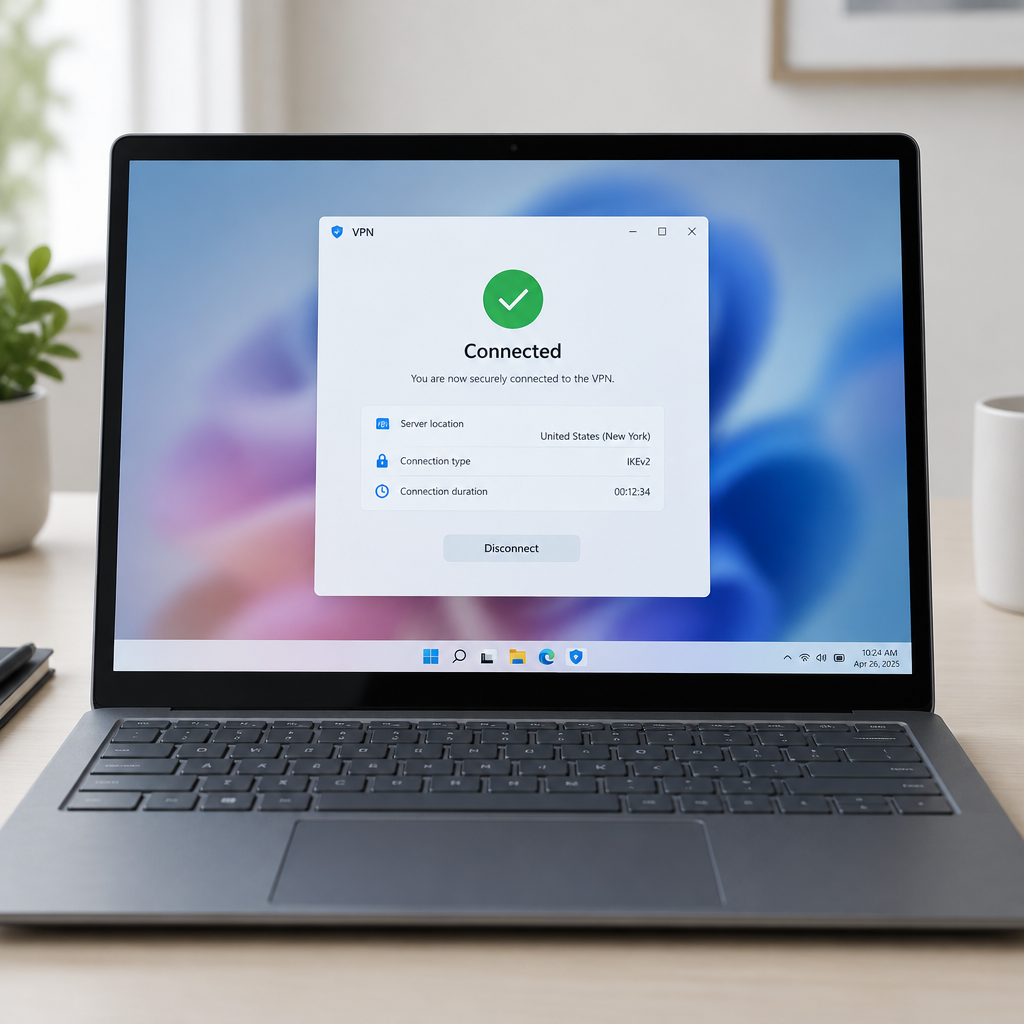
"This update fixes an issue that affects Always On VPN connections after installing September security update," Microsoft said, summing up the remedy administrators have been waiting for since the problem first surfaced in late September.
KB5127936 preview update confirms the fix
Microsoft confirmed on Wednesday that the Always On VPN connection failures triggered by September 2026 Windows 11 security updates have been resolved for users who installed the October preview update KB5127936. The company had first acknowledged the problem in a service alert to IT administrators in late September and — mistakenly — flagged the issue as fixed in the October 2026 Windows 11 cumulative updates before this preview actually remedied the behavior.
Always On VPN automatic protocol selection with IKEv2 and SSTP
The failures affected Windows 11 systems using Always On VPN when automatic protocol selection or protocol fallback was configured, specifically where automatic selection involved IKEv2 and SSTP tunneling protocols. Always On VPN, which runs in the background to establish secure tunnels back to a corporate network and has replaced the legacy DirectAccess technology, supports domain-joined, non-domain-joined, and Microsoft Entra ID–joined devices running Windows 10, Windows 11, and Windows Server.
When the bug occurred, affected VPN connections could remain stuck in a Connecting state or fail to connect after an initial connection attempt failed. In some cases, subsequent connection attempts would display the error, "The specified port is already in use."

Audit-ready is a season. It shouldn't be.
Evidence in spreadsheets, controls drifting between audits, frameworks multiplying on flat headcount. Nubivance runs continuous compliance on Rapid7 Cyber GRC - SOC 2, HIPAA, ISO 27001, PCI, CMMC.
End the scrambleWorkaround: enforce SSTP only or IKEv2 only
For organizations that prefer not to install the KB5127936 preview update and want to wait for next month's Patch Tuesday cumulative updates, Microsoft published a temporary mitigation. "IT administrators can mitigate this issue by changing the Always On VPN profile from automatic protocol selection to a single protocol, either SSTP only or IKEv2 only, depending on their environment and configuration," the company advised. "Organizations should select the protocol based on their environment, security, and deployment requirements."
In short, administrators can prevent the failures by disabling automatic protocol selection and forcing a single tunneling protocol until the cumulative update is installed.
Related fix: Remote Desktop and "Administrator protection"
KB5127936 also addresses an additional known issue introduced by September updates: non-admin users being unable to connect to devices via Remote Desktop when the "Administrator protection" security feature is enabled. That problem appeared after installing the September 2026 Windows 11 non-security preview update (or Windows updates released since then), and the October preview update contains a fix for it.
What this means for IT administrators, enterprises, and end users
- IT administrators: Decide whether to deploy KB5127936 immediately or apply the protocol workaround. Deploying the preview update resolves both the Always On VPN and the Remote Desktop non-admin connection issues; changing Always On VPN profiles to SSTP-only or IKEv2-only is a shorter, configuration-based mitigation.
- Enterprises and procurement leaders: Account for the earlier, incorrect October cumulative-update status and verify remediation in their environments. Testing the preview update or the protocol change in staging before broad rollout will be necessary to ensure compatibility with each organization's environment, security posture, and deployment requirements.
- End users and remote workers: Those whose devices were exhibiting VPN connections stuck in a Connecting state or seeing "The specified port is already in use" should see normal behavior restored once their organization installs KB5127936 or applies the single-protocol workaround. Non-admin Remote Desktop users affected by the "Administrator protection" interaction should also regain access after the preview update is applied.
Microsoft's corrective action — the KB5127936 preview update — closes the loop on a fault that lingered through September and an earlier incorrect status in October. Administrators now have two paths: install the preview to restore both Always On VPN and the Remote Desktop behavior, or implement the protocol-selection mitigation while waiting for the next monthly cumulative update. Either way, the immediate operational impact documented in Microsoft's alerts and the October preview has a clear, actionable fix.