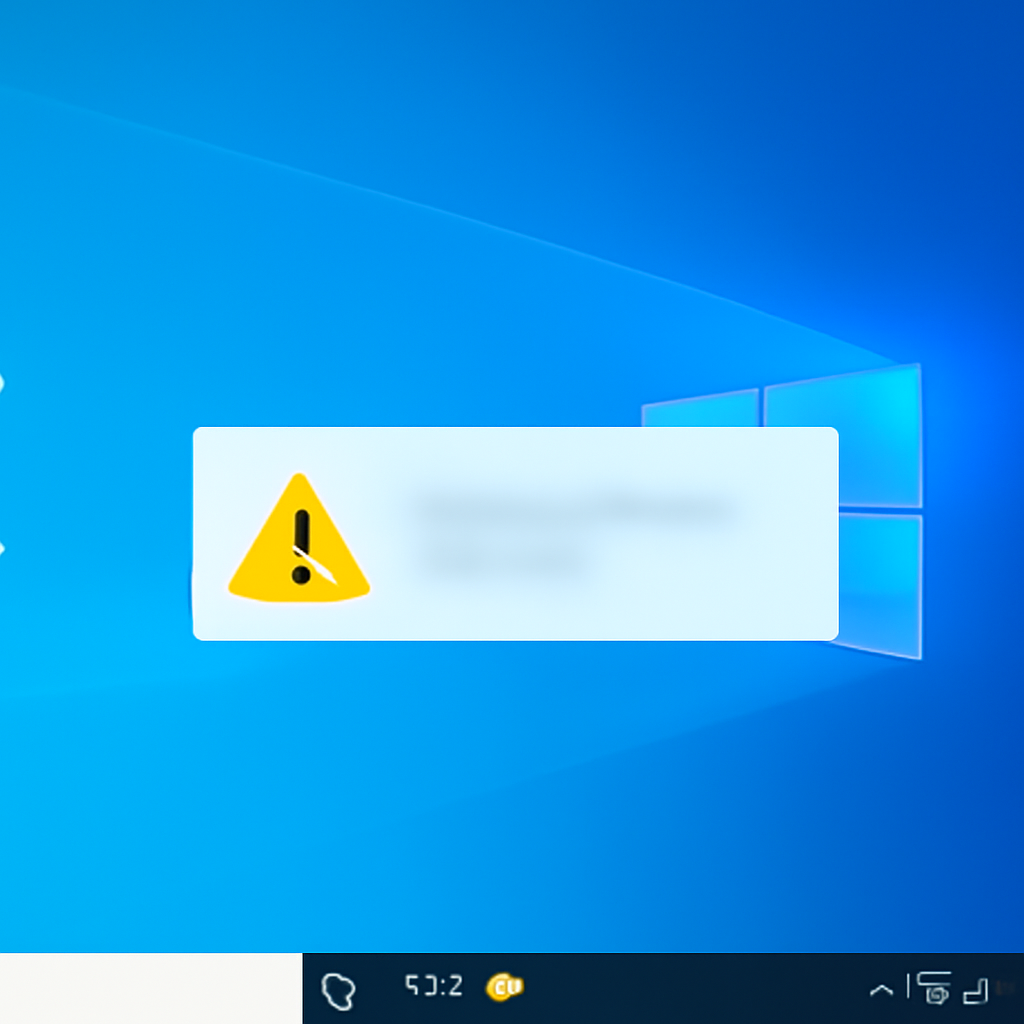
"After installing the latest updates for Microsoft Defender Antivirus, notifications might appear stating that 'Microsoft Defender Antivirus is turned off,' even though the antivirus is functioning correctly and all settings show it as active," Microsoft explained in a Friday release health dashboard update.
Affected versions: Windows 11 26H1, Windows Server 2025, and other supported releases
Microsoft says the erroneous alerts affect all supported Windows client and server versions, explicitly including Windows 11 26H1 and Windows Server 2025. The company reported the problem in its release health dashboard: the notifications can appear when Windows starts and intermittently afterward, and they persist even if notification settings are turned off.
What the false alert looks like and where it appears
On affected systems the incorrect message appears inside the Windows Security app and prompts users to "Tap or click to turn on Microsoft Defender Antivirus." Despite that prompt, Microsoft states the antivirus is "functioning correctly" and that all Defender settings show it as active. The discrepancy — a visible warning that conflicts with Defender's reported state — is the core of the issue Microsoft has flagged.

Audit-ready is a season. It shouldn't be.
Evidence in spreadsheets, controls drifting between audits, frameworks multiplying on flat headcount. Nubivance runs continuous compliance on Rapid7 Cyber GRC - SOC 2, HIPAA, ISO 27001, PCI, CMMC.
End the scrambleScope of rollout and timeline: from Release Preview Channel users to a broader audience
Microsoft acknowledges the bug has been present in the Release Preview Channel of the Windows Insider program since June, but the company "didn't notice it until now," according to the advisory. The company says it is working on a fix and will distribute it in a future Microsoft Defender Antivirus update to affected customers; the advisory gives no specific release date for that corrective update.
Context: a series of recent update-related display errors
This is not an isolated incident. Microsoft has asked customers before to disregard incorrect alerts and errors that appeared after installing updates. In April, the company confirmed and fixed a bug that produced invalid 0x80070643 failure errors after installing the April 2025 Windows Recovery Environment (WinRE) updates and also addressed an issue that triggered incorrect BitLocker drive encryption errors on Windows 10 and Windows 11 devices.
In July 2025 Microsoft asked users to disregard erroneous Windows Firewall alerts that appeared after rebooting following the June 2025 preview update. One month later, Microsoft said the July 2025 preview update and subsequent Windows 11 24H2 updates were triggering incorrect CertificateServicesClient (CertEnroll) errors. Those prior advisories mirror the current pattern: system-level notifications or error codes presented to users that Microsoft subsequently determined were not indicative of actual functional failures.
What this means for technologists, enterprises, and end users
- Technologists and security teams: Expect to receive user reports of "Defender turned off" alerts even when Defender reports as active. Microsoft has instructed customers to ignore the alerts for now and will publish a fix in a future Defender update; teams should track that update and prioritize its deployment when released.
- Affected enterprises and procurement leaders: The advisory covers all supported client and server versions — including Windows 11 26H1 and Windows Server 2025 — and has been visible in Release Preview Channel builds since June. Procurement and operations leads should factor that breadth into patch and communication plans and prepare to reassure users until the Defender update is available.
- End users: Systems may display a prompt in Windows Security to "Tap or click to turn on Microsoft Defender Antivirus." Microsoft says the antivirus remains functional and that the prompt is incorrect; users were asked to ignore the message until Microsoft issues the corrective update.
The company’s advisory is concise and unequivocal: the alerts are visual errors, not functional failures. The source material also includes a related observation from the Blue Report 2026: "Overall prevention scores can hide what happens after initial access. Once attackers are using valid credentials, prevention drops sharply." The Blue Report 2026 measures defenses technique by technique across 338 million simulations run in customer production environments — a reminder, in the source’s own words, that visibility problems and real defensive gaps are separate challenges.
Microsoft has said it will deliver a repair in a future Defender update. Until that update is released, users and administrators are left to weigh the mismatch between what Defender reports internally and what Windows Security displays to end users — and to follow Microsoft’s instruction to disregard the erroneous "turned off" notifications.
Source: BleepingComputer — Microsoft asks users to ignore 'Antivirus is turned off' errors