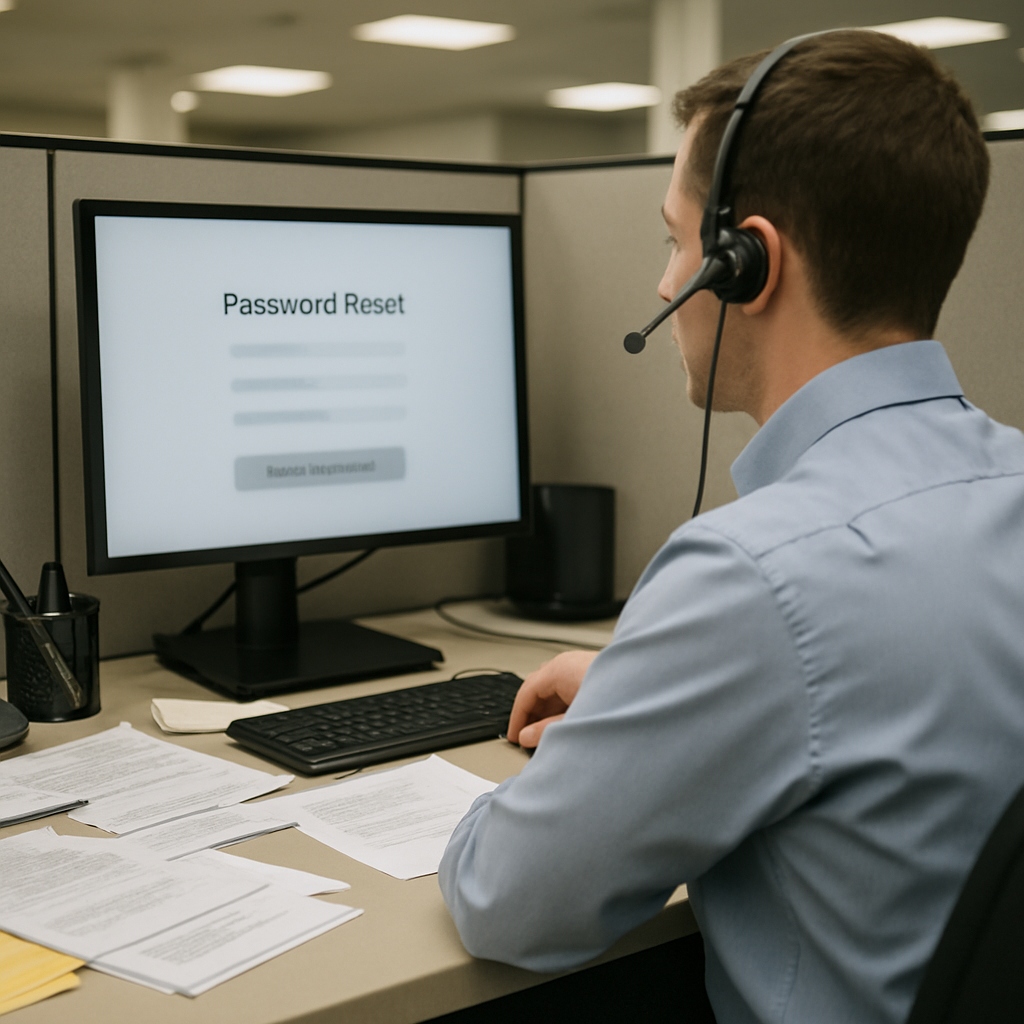
Research from Forrester estimates that every password reset costs around $70.
Forrester’s cost estimate and the helpdesk bottleneck
That $70 figure appears against a backdrop where password resets are among the most common helpdesk requests. Many organizations have introduced self-service password reset (SSPR) tools to reduce the load, but helpdesk teams still handle a significant number of resets — supporting SSPR enrollment or dealing with edge cases. Those remaining manual interactions and exceptions are expensive and, as the subsequent breach demonstrates, attractive to attackers.
Reinforcing the threat picture, Verizon’s Data Breach Investigation Report found stolen credentials are involved in 44.7% of breaches, a reminder that credential theft and misuse remain a leading vector even where technical protections exist.
April 2025 Marks & Spencer breach and Scattered Spider
The April 2025 attack on UK retailer Marks & Spencer (M&S) shows how a single reset can cascade into a full compromise. Attackers linked to the hacking group Scattered Spider are believed to have gained initial access by impersonating an M&S employee and contacting a third-party service desk. A password reset was carried out, giving them legitimate credentials and removing the need to exploit any technical vulnerability.
From that foothold the attackers extracted the NTDS.dit file — the Active Directory database that stores password hashes for all domain users — and cracked those hashes offline to recover additional credentials. With valid accounts and escalating privileges, the attackers moved laterally using standard tools and normal login activity, expanding access over several weeks. Once they had sufficient privileges, they deployed ransomware, encrypting systems supporting payments, e‑commerce, and logistics. M&S was forced to take services offline; the five‑day suspension of online sales equated to an average of £3.8 million ($5.1 million) in daily losses.

This site is the portfolio.
OSINTSights runs on Cloudflare Workers, D1, R2, and Vectorize, with an AI pipeline on Hetzner ARM. Nubivance designed, built, and operates it. We do the same for clients.
See what we buildWhy service desks are a target: social engineering and weak verification
The M&S case highlights a simple truth: social engineering attacks do not always look like high drama. From the helpdesk’s perspective, it is just another user asking for a reset. That normality is the attack surface. When verification relies on information that can be found or guessed, a routine request becomes an entry point. Without a reliable way to verify who is on the other end of the call, basic checks can be bypassed and attackers can use resets to circumvent multi‑factor authentication.
Specops Secure Service Desk: forcing verification to close the gap
One approach promoted in the source material is Specops Secure Service Desk, which forces helpdesk teams to confirm user identity before any reset takes place. Instead of relying on user information that can be discovered or guessed, agents can trigger a one‑time code to a trusted device or use existing identity providers like Duo or Okta. Every request follows the same steps, and verification is not optional or dependent on the individual handling the call.
The source argues this model raises the bar for attackers: even if they have convincing background information, they still need access to the user’s registered device or identity factor, which is much harder to fake over the phone. The material also claims compliant password policies that block 4+ billion compromised passwords as a complementary control to reduce exposure.
Best practices for password resets: four practical controls
- Encourage self‑service where possible — reduce helpdesk dependency by driving adoption of SSPR, creating short guides and clear onboarding instructions so users enroll and use the tools when needed.
- Use secure, temporary credentials — even a verified reset is risky if the hand‑off is weak; temporary passwords must be strong, single‑use, delivered via an encrypted channel, and expire quickly to avoid standing vulnerabilities.
- Monitor password reset activity — track how and when resets happen to spot patterns such as frequent resets or repeated helpdesk requests, which can indicate poor UX, process gaps, or misuse; monitoring also supports targeted enrollment and training to reduce workload.
- Equip and train the helpdesk — provide agents with the right tools, enforce consistent identity verification steps, give visibility into reset activity, and define a policy for anomalies so the helpdesk becomes an effective control point against unauthorized access.
How helpdesk teams, procurement leaders, and end users should respond
Helpdesk teams should treat verification as mandatory, not discretionary, and adopt tooling that enforces a consistent process for every reset. Procurement leaders and IT decision‑makers should prioritize SSPR enrollment and consider integrations with identity providers such as Duo or Okta when evaluating vendor solutions. End users should be encouraged and instructed to enroll in self‑service methods and to expect temporary credentials to be delivered securely and to expire quickly.
For attackers, the material notes a practical constraint: when verification requires access to a registered device or identity factor, the simple telephone impersonation used in the M&S case no longer gives the same advantage.
Verifying identity during password reset requests is portrayed in the source as a necessary control: without it, the helpdesk can be an easy point of entry; with it, the helpdesk can become a strong line of defense. For organizations weighing options, the source points to enforced verification, encrypted delivery of temporary credentials, monitoring, and helpdesk training as concrete steps that can limit both cost and risk.