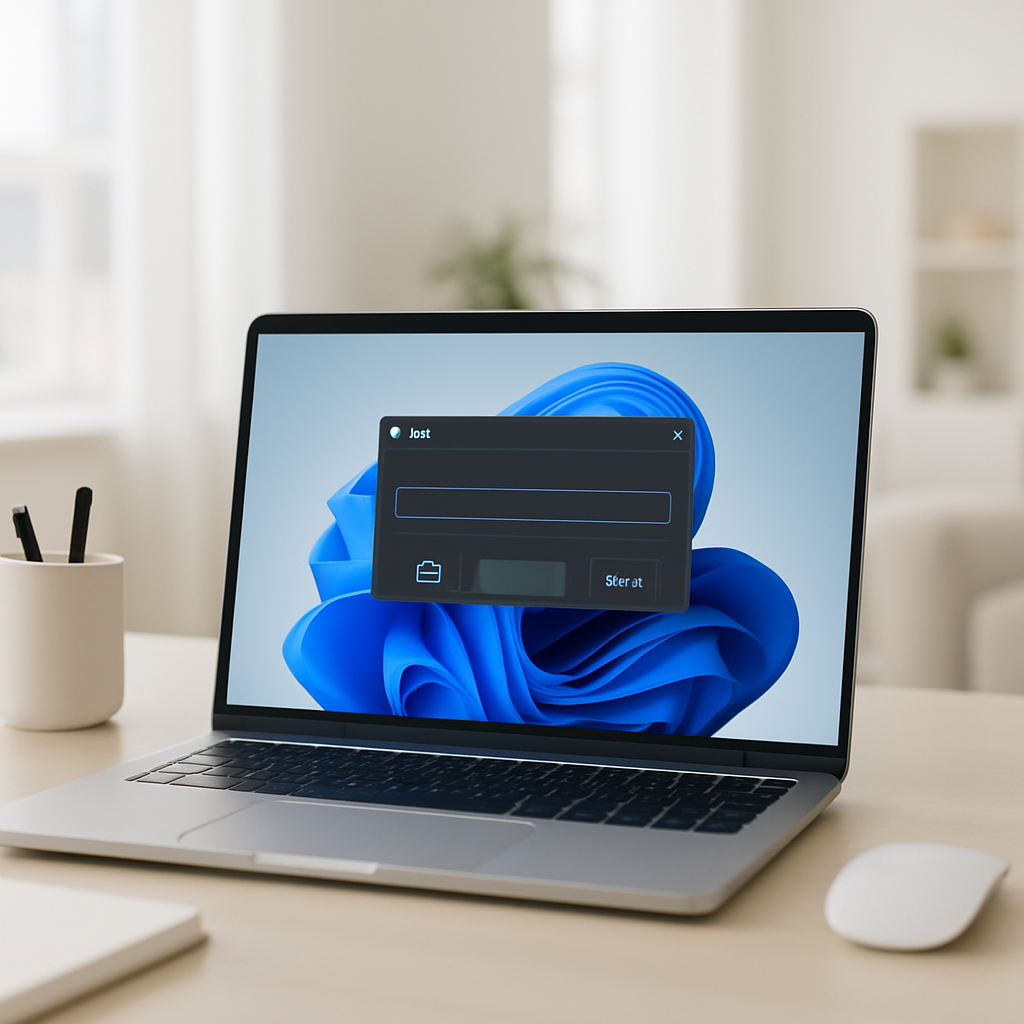
"When we set out on creating the new experience, we knew the existing dialog was fast. We also knew we needed to be sure we deeply understood how you all used it. Modernize, be opinionated, and evolve it," Microsoft wrote in a blog post announcing a redesigned Run dialog that ships in Windows 11 preview Build 26300.8346.
What Microsoft changed in the Run dialog
Microsoft's update keeps the Run dialog's core purpose — quick commands, file paths and tiny jumps without opening File Explorer — while adopting Windows 11 visual language. The modern Run matches Fluent Design, supports dark mode out of the box, shows icons next to entries, and preserves a minimal user interface reminiscent of the original Run dialog introduced in 1995. Microsoft emphasized that the new Run is optional: it must be enabled manually via Settings > Advanced Settings and does not turn on automatically.
Performance: modern Run is faster — and measured
Performance was central to the redesign. Microsoft measured time-to-show for the legacy dialog and the new implementation. According to the company, the legacy Run takes approximately 103 milliseconds to appear after pressing Win + R; the modern Run has a median time-to-show of 94 milliseconds. The firm framed that gain as notable because "modern counterparts usually have a reputation for slower performance," and said platform-level improvements made the UI load "snappy" across the system.
"This was a huge team effort - we’ve collaborated tightly with partners across the platform to get these UI surfaces loading snappy. Improvements we’ve made to the platform don’t just make Run fast, but they help make the whole OS more efficient," Microsoft said, and added the team expects those numbers to improve over time as there is still room for optimization.

Audit-ready is a season. It shouldn't be.
Evidence in spreadsheets, controls drifting between audits, frameworks multiplying on flat headcount. Nubivance runs continuous compliance on Rapid7 Cyber GRC - SOC 2, HIPAA, ISO 27001, PCI, CMMC.
End the scrambleFeature choices: Browse removed, home shortcut added
Microsoft trimmed features based on measured use. The Browse button — a helper that opens a directory chooser to select programs — was removed because its usage was minuscule. The company said Browse was used in less than 0.0038% of cases in a sample of 35 million users who open Run. In its place, the modern Run adds conveniences such as support for the "~\" path shorthand to access the user's home directory quickly, and the visual cue of icons to make list entries easier to identify without adding visual weight.
Windows Share UI for AAD users and Magnifier updates
The preview build includes additional changes beyond Run. Windows Share UI now allows Azure Active Directory (AAD) users to install apps directly from the Share dialog rather than first opening the Microsoft Store to install an app before it appears in the Share list. Magnifier also gains more explicit zoom control with preset levels at 5%, 10%, 25%, 50%, 100%, 150%, 200%, and 400%.
What this means for power users, AAD admins, and accessibility users
- Power users who rely on fast clipboard-based workflows will notice the intended preservation — and slight improvement — in responsiveness. Because modern Run remains optional, those who prefer the legacy experience can keep it until they decide otherwise.
- AAD users and IT administrators should take note that the Share UI change reduces friction when deploying or sharing apps: the Share dialog can now install apps directly, shortening the path from discovery to availability in the Share list.
- Users who depend on zooming and screen-magnification tools gain finer control: Magnifier's new preset zoom steps give predictable increments developers and accessibility teams can anticipate and test.
Microsoft is collecting feedback on the modern Run before a broader rollout. For now, testers can experience these changes by installing Windows 11 Build 26300.8346 from the Experimental Channel. The company's explicit measurement-driven approach — sampling millions of Run opens, timing time-to-show, and dropping or adding features based on usage telemetry — frames the update as incremental and user-focused rather than stylistic alone.
As the company continues to tune platform performance and user-facing surfaces, the practical test will be whether the modern Run's small but measurable speed gain and interface tweaks win over the many users who still press Win + R as part of their daily workflow.