The Smart App Control activation bug and affected Windows 11 releases
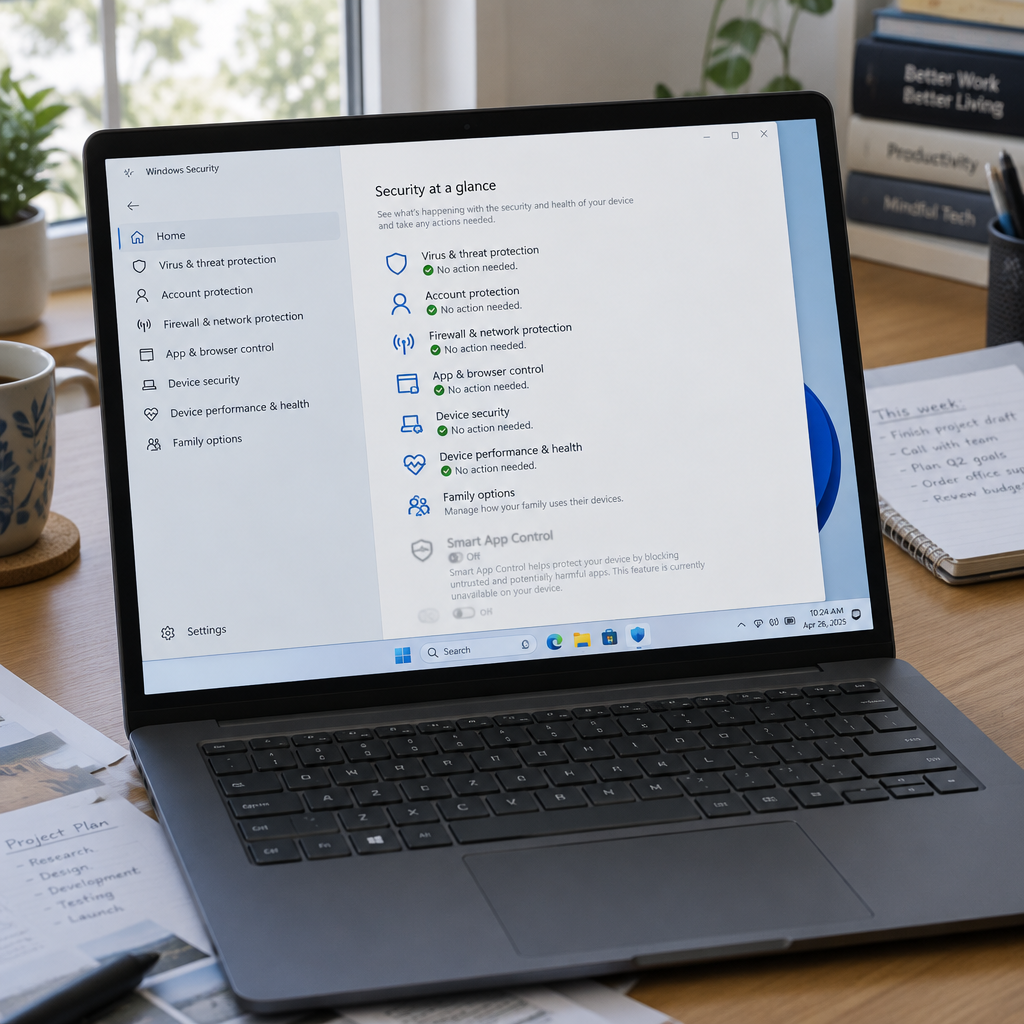
After installing the October 2026 KB5127648 security update for Windows 11, some devices experienced an inability to turn on Smart App Control: the option in the Windows Security app appeared grayed out and could not be toggled. Microsoft acknowledged the problem in the KB5127648 advisory, noting that devices where Smart App Control was already enabled were not affected and "remain protected." The behavior was reported on devices running Windows 11 24H2 and later.
Microsoft's fix: KB5127936 preview update (released October 28, 2026)
Microsoft confirmed the issue has been fixed for users who installed the October preview update KB5127936. The company told administrators that the resolution was delivered by Windows updates released October 28, 2026 and later, and reiterated its recommendation to "install the latest security update for your device" because it contains important improvements and issue resolutions, including the Smart App Control fix.

Your scanner finds 4,000 vulns. Which 12 matter?
Nubivance is a Rapid7 Registered Partner delivering vulnerability management as a service - scanning, risk-based prioritization, and remediation follow-through across IT and OT.
Fix the backlogRegistry and Group Policy workarounds for administrators
For administrators who do not want to deploy the preview update on enterprise-managed devices and prefer to wait for the next month's Patch Tuesday cumulative updates, Microsoft published a temporary registry workaround to restore the ability to turn on Smart App Control. The steps Microsoft provided are:
- Open a Command Prompt window by typing cmd in the Search box.
- Select Run as Administrator.
- At the command prompt, enter the following commands and then restart the device:
reg add "HKLM\SYSTEM\CurrentControlSet\Policies\Microsoft\FeatureManagement\Overrides" /v 2883193997 /t REG_DWORD /d 1 /f
reg add "HKLM\SYSTEM\CurrentControlSet\Policies\Microsoft\FeatureManagement\Overrides" /v 2850574478 /t REG_DWORD /d 1 /f
Microsoft also offered a Group Policy–based workaround: installing feature preview packages that turn on Smart App Control and enable logging for troubleshooting. The packages cited are "KB5074105 261015_19222 Feature Preview" and "KB5074105 261015_19221 Feature Preview" for Windows 11, versions 24H2, 25H2, and 26H2. Microsoft advised that administrators must restart affected devices to apply the Group Policy settings.
Other fixes bundled in KB5127936
The October KB5127936 preview update also addresses other user-impacting regressions. Microsoft reported that the preview resolves Remote Desktop failures that occurred after recent Windows updates when the "Administrator protection" security feature is enabled. In addition, the preview fixes Always On VPN issues that had been triggered by the September 2026 cumulative updates.
How IT administrators, enterprise security teams, and end users should respond
IT administrators: Choose between immediate deployment of the KB5127936 preview update (released October 28, 2026) to restore Smart App Control and address related regressions, or apply the registry edits or Group Policy feature preview packages and wait for the next Patch Tuesday cumulative rollup. Whichever path is chosen, a restart is required to apply Group Policy changes.
Enterprise security teams: Note that devices where Smart App Control remained enabled were not impacted and "remain protected." For devices that lost the ability to re-enable the feature, apply the official update or the documented workarounds to restore application integrity protections and logging for troubleshooting.
End users: If Smart App Control is already turned on, no action is necessary; those devices continue to be protected. If the Smart App Control option is grayed out after the October KB5127648 update, expect either a forthcoming cumulative update that contains the fix or work with an administrator to apply the preview update or Microsoft’s temporary fixes.
Microsoft's public guidance is plain: install the latest security updates or apply the documented registry or Group Policy workarounds and restart affected machines to restore functionality. For administrators balancing stability and urgency, the choice is between a preview update that contains multiple fixes and a targeted registry or Group Policy change that remedies the Smart App Control toggle immediately.
Source: Bleeping Computer — Microsoft fixes Smart App Control broken by October Windows update