"After installing the November 2026 Windows hotpatch update (the Originating KBs listed above), devices running Forcepoint DLP Endpoint Agent might experience printing issues," Microsoft said.
Microsoft: KB5132043 hotpatch conflicts with Forcepoint DLP Endpoint Agent
Microsoft confirmed in a Friday service alert that a compatibility problem between the November 2026 hotpatch identified as KB5132043 and the Forcepoint DLP Endpoint Agent can cause printing failures. The company said the issue affects only systems running Windows 11 24H2 and later that have had the hotpatch applied.
Symptom detail: Print options greyed out and Print Spooler fails to start
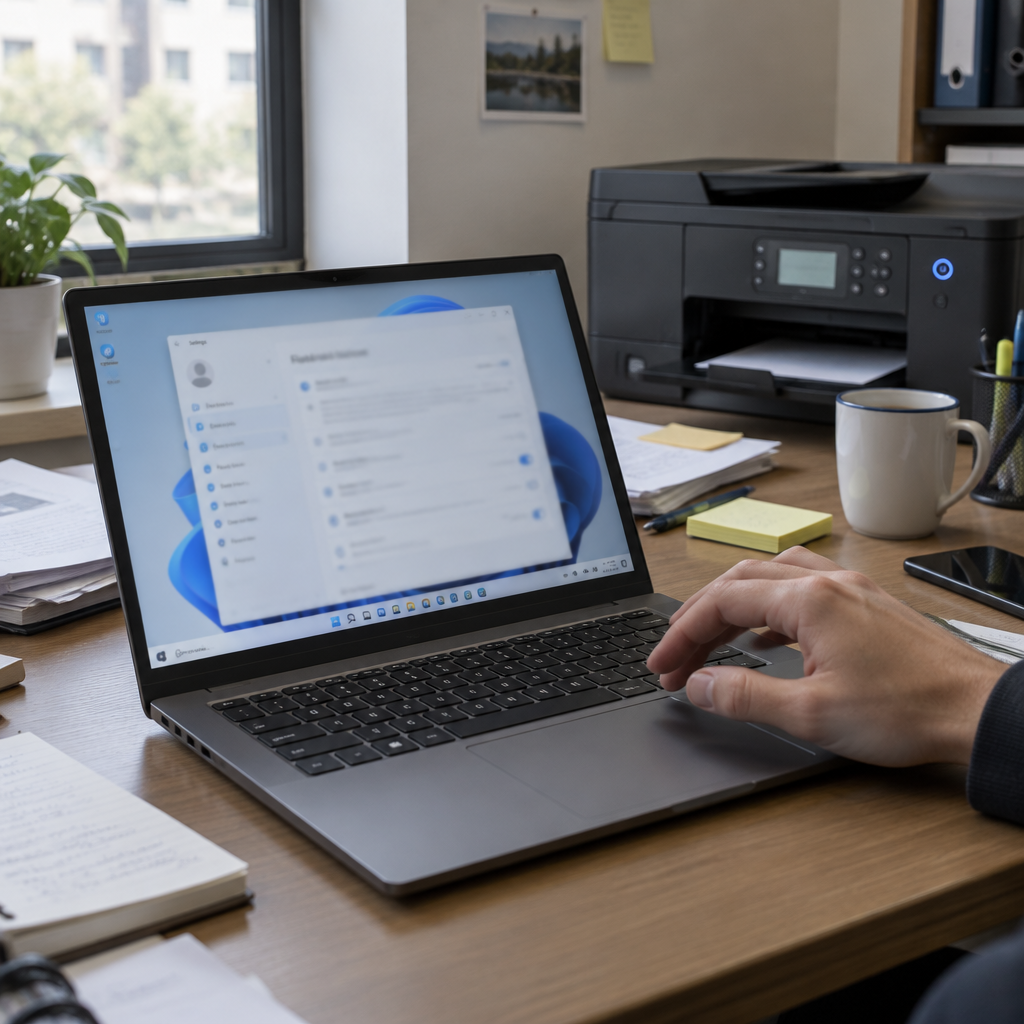
According to Microsoft, affected users may see the print option greyed out or encounter errors when selecting a printer. The underlying failure is that the Print Spooler service fails to start after the hotpatch is installed on devices running the Forcepoint DLP Endpoint Agent. Microsoft attributed the user-facing errors directly to that service failure.

Your scanner finds 4,000 vulns. Which 12 matter?
Nubivance is a Rapid7 Registered Partner delivering vulnerability management as a service - scanning, risk-based prioritization, and remediation follow-through across IT and OT.
Fix the backlogScope and how these updates were delivered: Autopatch vs Patch Tuesday
Microsoft emphasized that these hotpatch problems appear only on systems that installed the hotpatch updates pushed through Windows Autopatch, its cloud-based enterprise service that automates Windows and Microsoft 365 updates. The company said the two known hotpatch issues do not affect systems that only applied the standard November 2026 Patch Tuesday security updates.
Microsoft has previously warned about additional KB5132043 impacts: last week it said the same hotpatch is causing installation and launch issues affecting Office and third‑party applications on Windows 11 systems. Separately, Microsoft confirmed two weeks earlier that the November 2026 Patch Tuesday security updates themselves may break printing for users trying to print documents with complex formatting on server (Windows Server 2016 or later) and client (Windows 10 or later) devices.
Forcepoint response and current remediation status
Microsoft said a fix is not yet available. The report notes Forcepoint has customers signing in to the Forcepoint support portal, suggesting affected customers are seeking vendor support. There is no public patch or workaround detailed in the Microsoft service alert cited by the report.
Windows Autopatch history and recent changes that matter here
The service alert also places the problem in the context of Windows Autopatch's evolution. Microsoft unveiled Windows Autopatch in April 2022 and said it would be free to customers with a Windows 10/11 Enterprise E3 license or greater starting in July 2022; Autopatch entered public preview in early June 2022 and reached general availability in July 2022. In March 2026 Microsoft announced it would turn on hotpatch security updates by default for all eligible Windows devices managed through Microsoft Intune and the Graph API on systems with the May 2026 Windows security updates installed. One month later Microsoft fixed an Autopatch bug that had deployed driver updates restricted by administrative policies on some Autopatch-managed Windows devices belonging to customers across the European Union.
What this means for technologists, affected enterprises, and end users
- Technologists and security teams: Expect to triage Print Spooler failures on Windows 11 24H2+ endpoints that run Forcepoint DLP Endpoint Agent and that received KB5132043 through Autopatch. Teams should track Microsoft service alerts and Forcepoint support portal activity for an official fix or supported mitigation.
- Affected enterprises and procurement leaders: Organizations using Windows Autopatch to deploy updates should review whether KB5132043 has been applied to devices running Forcepoint DLP Endpoint Agent; because the issue is tied to Autopatch-delivered hotpatches, review Autopatch settings and test updates in controlled rings before wider deployment.
- End users and help desks: Users encountering greyed-out print options or printer-selection errors are likely seeing a Print Spooler service failure; escalations should be directed to internal IT teams that can coordinate with Forcepoint support and monitor Microsoft for a remediation.
Microsoft's service alert and the Forcepoint support activity together frame this as a compatibility problem introduced by a specific hotpatch distribution channel rather than a universal failure across all November 2026 updates. The immediate questions left open are the timing and content of a formal patch or supported workaround; until Microsoft releases one, affected organizations will need to balance update hygiene with operational printing needs.
Source: BleepingComputer — Microsoft confirms printing issues after KB5132043 Windows hotpatch