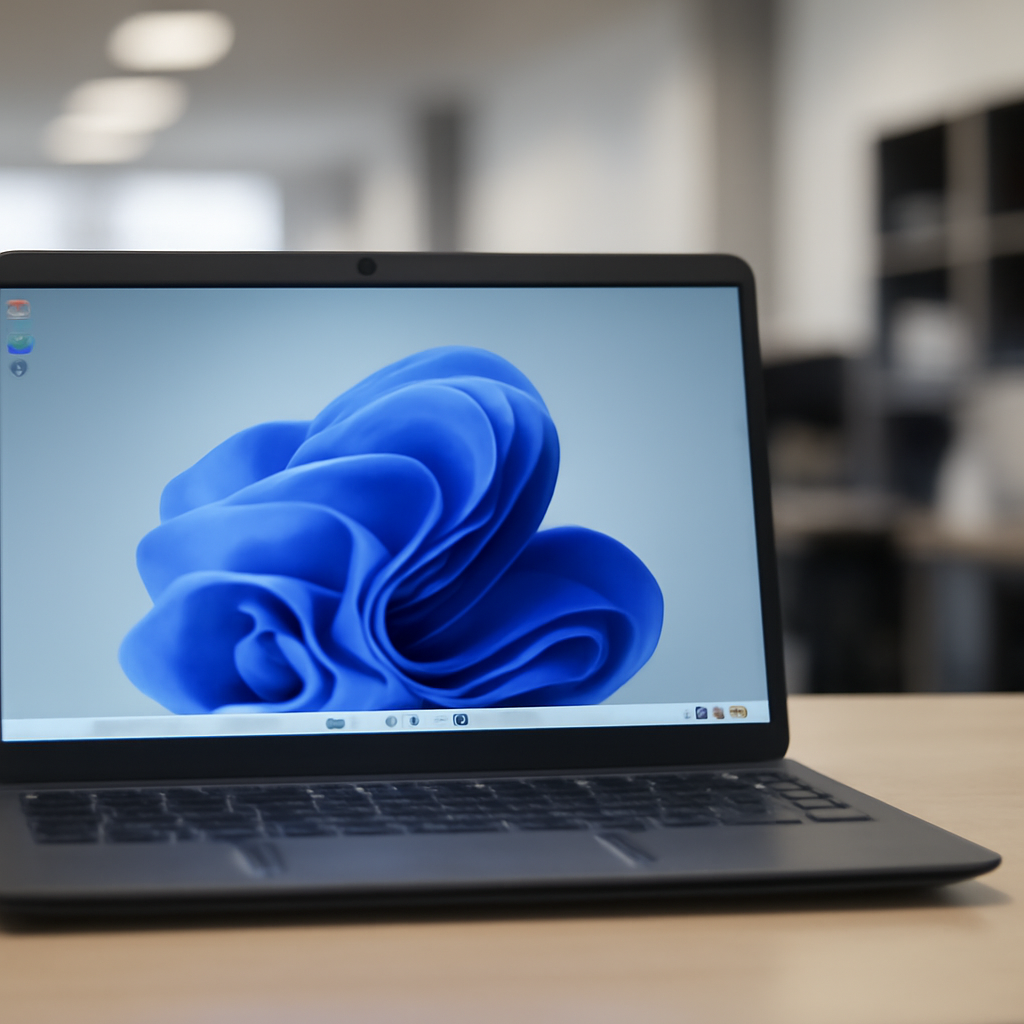
"On October 13, 2026, Windows 11, version 24H2 Home and Pro editions, and Windows 10 Enterprise LTSB 2016 will reach end of updates," Microsoft warned yesterday in a message center update.
Microsoft's October 13, 2026 end-of-updates deadline
Microsoft notified customers that systems running Windows 11 24H2 Home and Pro editions, and Windows 10 Enterprise LTSB 2016, will stop receiving monthly security and non-security preview updates on October 13, 2026. The company said devices running those editions "will no longer receive monthly security and non-security preview updates containing protections from the latest security threats" after that date.
Which editions remain supported through 2027
Not all Windows 11 24H2 installations are being cut off on the same schedule. Microsoft clarified that Enterprise and Education editions of Windows 11 24H2 will remain under mainstream support until October 12, 2027. In parallel, Microsoft said it quietly extended the free Windows 10 Extended Security Updates (ESU) program for consumers by an additional year, allowing enrolled Windows 10 devices to continue receiving security updates until October 12, 2027.

Audit-ready is a season. It shouldn't be.
Evidence in spreadsheets, controls drifting between audits, frameworks multiplying on flat headcount. Nubivance runs continuous compliance on Rapid7 Cyber GRC - SOC 2, HIPAA, ISO 27001, PCI, CMMC.
End the scrambleThe upgrade path: Windows 11, version 25H2 (2025 Update)
Microsoft directed customers toward Windows 11 25H2 — also called the Windows 11 2025 Update — as the upgrade path. According to the company, version 25H2 became generally available in September 2024 as a minor update delivered to version 24H2 through an enablement package. For devices running 24H2 Home and Pro that are not managed by IT departments, Microsoft said the 25H2 update will be delivered automatically; those users "will still be able to postpone the update or choose when to restart."
Microsoft also provided a simple check path for eligible devices: select Settings > Windows Update and choose Check for updates. If a device is ready for the upgrade, Windows Update will show the option to "Download and install Windows 11, version 25H2."
Where administrators and users can find more lifecycle details
Microsoft pointed customers to its Windows Lifecycle FAQ page and the Lifecycle Policy search tool for more detailed servicing dates. The company additionally publishes lists of products it will retire or that will reach end of support in 2025, and those resources were referenced in the message center update as places to verify timelines and product status.
What this means for technologists, procurement leaders, and end users
- Technologists and security teams: The October 13, 2026 cut-off for Home and Pro editions of 24H2 will require IT and security teams to verify which endpoints are unmanaged and whether those endpoints will accept the 25H2 enablement package automatically. Teams working with Enterprise and Education editions will still have support through October 12, 2027, and should coordinate lifecycle planning accordingly.
- Procurement and operations leaders: Devices still on Windows 11 24H2 Home or Pro, and any remaining Windows 10 Enterprise LTSB 2016 systems, must be inventoried and scheduled for upgrade or reassessment before October 13, 2026. Microsoft also lists products slated for retirement in 2025, a resource procurement teams can use for contract and refresh planning.
- End users and general consumers: If a device is eligible, users can check Settings > Windows Update to see the option to download and install Windows 11, version 25H2. Microsoft warned that unmanaged Home and Pro devices will receive the update automatically but that users can postpone and control restart timing.
Microsoft's announcement closes a clear window for Home and Pro users on 24H2: three months from the message center notice until the October 13, 2026 cutoff. The company has pointed to explicit upgrade mechanics and lifecycle tools; one concrete question the facts leave open is how many devices will remain on 24H2 Home or Pro and choose to defer installation past that deadline.
Read the original Microsoft notice as reported by BleepingComputer: https://www.bleepingcomputer.com/news/microsoft/windows-11-24h2-home-and-pro-reach-end-of-support-in-90-days/



