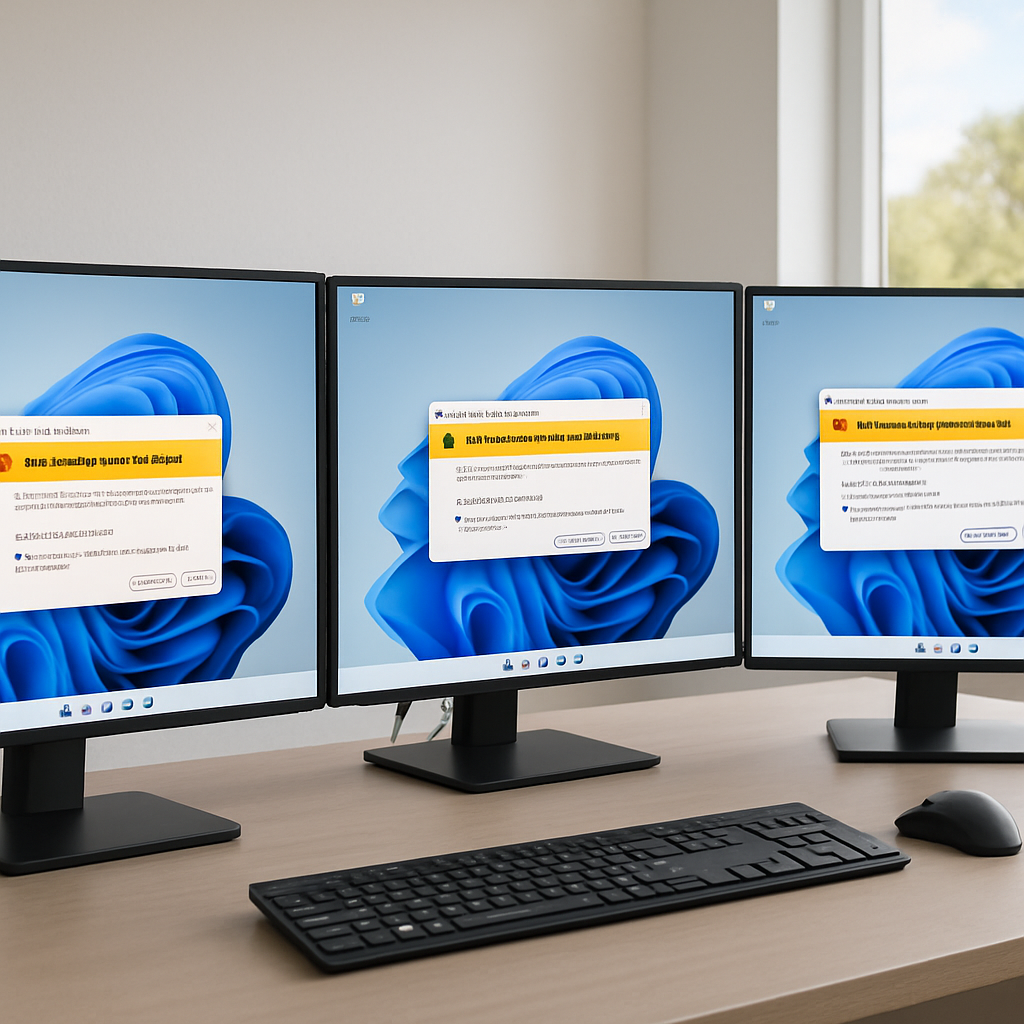
"This update addresses an issue that affects the Remote Desktop Connection security warning dialog. The dialog could render incorrectly in multi-monitor scenario when the monitors had different scaling set," Microsoft said.
KB5083631: a targeted fix in an optional preview update
Microsoft has released an optional preview cumulative update for Windows 11, KB5083631, that fixes a known issue causing newly introduced Remote Desktop (.rdp) security warnings to display incorrectly. The preview update was released on Thursday and shipped "along with 34 other changes," according to Microsoft.
What the security warnings are and why they exist (April 2026 changes)
The alerts were added as part of the April 2026 cumulative updates (KB5083769) to change the default handling of risky shared resources for Remote Desktop connection files. After installing the April security updates, users see a one-time educational prompt the first time they open an RDP file. Thereafter, a security dialog appears before any connection is made when opening an RDP file, showing whether the file is signed by a verified publisher, the remote system's address, and all local resource redirections (including drives, clipboard, or devices), with every option disabled by default.
If an RDP file is not digitally signed, Windows displays a "Caution: Unknown remote connection" warning and labels the publisher as unknown. If an RDP file is digitally signed, Windows will still warn users to verify the file's legitimacy before connecting. Microsoft said the changes were intended to disable risky shared resources by default as a defense against phishing attacks that abuse Remote Desktop connection (.rdp) files.

The cyber insurance questionnaire just landed. Now what?
SOC 2, HIPAA, insurance renewals - someone has to own security strategy. Nubivance provides fractional CISO leadership without the full-time salary.
Get a security leadHow the bug affected users: multi-monitor scaling and unusable dialogs
Microsoft acknowledged that, after installing the April 2026 security update (KB5083769), the Remote Desktop Connection security warning dialog could render incorrectly on systems using multiple monitors with different display scaling settings. On affected systems the buttons in the alert windows could be misaligned or partially hidden, and the text could be hard to read, making it difficult — and in some cases impossible — to interact with the security dialog.
Related side effects reported by users: backups and server restart loops
Separate user reports tied to the April security update (KB5083769) describe additional, unrelated problems. According to user reports, the KB5083769 security update also breaks third-party backup apps from multiple vendors on Windows 11 24H2 / 25H2 systems due to a VSS (Volume Shadow Copy Service) timeout.
Microsoft also released out-of-band updates last month to remedy multiple Windows Server issues that caused restart loops and update installation failures after installing the April 2026 security updates, reflecting a cluster of rollout disruptions associated with that month's fixes.
What this means for technologists, enterprise IT teams, and end users
- Technologists and security teams: will need to account for the interaction between the new RDP warnings and multi-monitor display configurations. The bug specifically manifested when monitors had different scaling set, and the fix is contained in the optional KB5083631 preview update.
- Enterprise IT and backup administrators: should note user-reported impacts to third-party backup applications tied to KB5083769 on Windows 11 24H2 / 25H2 systems caused by a VSS timeout, and that Microsoft issued out-of-band fixes for some Windows Server restart and update failures after the April updates.
- End users and remote workers: will encounter a one-time educational prompt after the April updates and, thereafter, an explicit security dialog showing publisher status, remote address, and any local resource redirections — but on affected multi-monitor setups those dialogs could be rendered in a way that makes them hard to read or interact with until the rendering bug is resolved.
Microsoft's KB5083631 addresses a narrow but practical failure in the new RDP warning workflow — a point where a usability defect can undermine a security control designed to reduce phishing abuse of .rdp files. The April security changes were intended to surface risk by default; the subsequent rendering and VSS problems underline how layered updates can introduce collateral issues across display configurations, backup tooling, and server behavior. Administrators and users now have a targeted preview update that Microsoft says corrects the dialog rendering; the broader set of April 2026 updates remains the origin of both the intended security changes and the reported side effects.