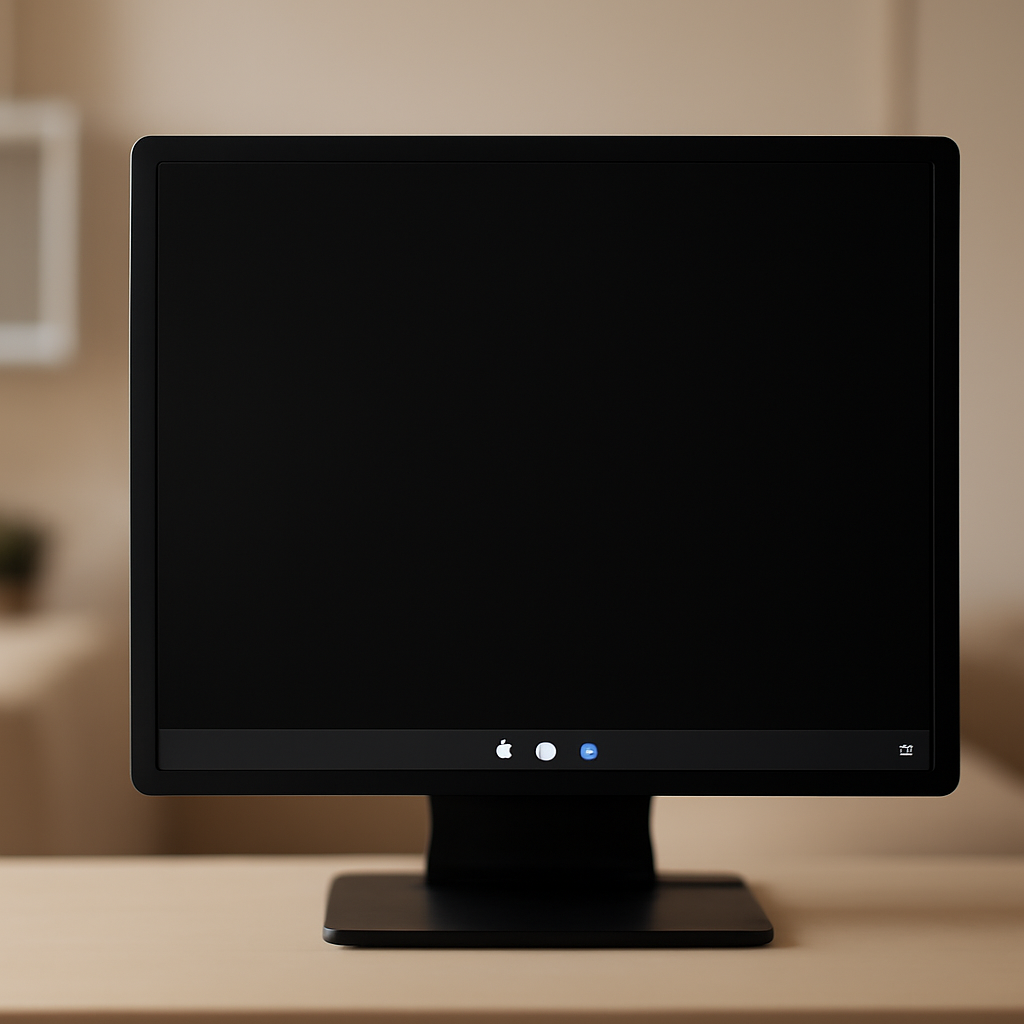
"Following installation of Windows updates released August 27 2026 (KB5120998) and later, some Windows Desktop settings fail to load, resulting in desktop backgrounds displaying as a solid black color," Microsoft said in a Windows release health update.
Microsoft's description of the failure
Microsoft's release health update describes a bug that prevents desktop settings from loading correctly after a particular August preview update. The company said affected devices show a "default black background" and that "attempting to manually restore customized settings does not work." According to the notice, the underlying problem prevents the correct loading of settings "regardless of their value," leaving users unable to recover prior customizations through normal means.
Which update and which systems were involved
The behavior was traced to the KB5120998 August 2026 preview update, and Microsoft named Windows 11 24H2 and Windows 11 25H2 systems as the environments where the issue can appear. Microsoft also warned that the KB5120998 preview update—while optional and requiring users to click the "Download and install" link—may nonetheless be installed automatically on devices with the "Get the latest updates as soon as they're available" option enabled.

Your scanner finds 4,000 vulns. Which 12 matter?
Nubivance is a Rapid7 Registered Partner delivering vulnerability management as a service - scanning, risk-based prioritization, and remediation follow-through across IT and OT.
Fix the backlogAdditional user-facing effects: mouse settings and restoration
Beyond wallpaper and theme changes, Microsoft said the KB5120998 preview update also "changes or resets mouse settings," and that it can be "impossible to restore the previous settings after they are reverted." The company tied these outcomes to the same underlying failure to load desktop configuration correctly, a condition that blocks restoration regardless of the saved setting values.
Patch Tuesday fix: KB5124008 and the company's recommendation
Microsoft reported that the issue was corrected in the September Patch Tuesday cumulative updates. "This issue was resolved by Windows updates released September 8, 2026 (KB5124008), and later," the company said, and advised customers to install the newest security update. In its notice Microsoft emphasized that the latest security update "contains important improvements and issue resolutions, including this one."
How technologists, end users, and IT administrators are likely to respond
- Technologists and security teams will track deployment of KB5124008 and later fixes, verifying that affected Windows 11 24H2 and 25H2 endpoints receive the September 8, 2026 cumulative update to restore proper loading of desktop settings.
- End users who installed the KB5120998 preview may discover black desktop backgrounds or altered mouse settings and—as Microsoft noted—find that manually restoring customized settings does not work until the corrective update is applied.
- IT administrators and enterprise operations teams will need to note that KB5120998 is an "optional" preview update that nevertheless can install automatically when the "Get the latest updates as soon as they're available" option is enabled, a delivery behavior Microsoft explicitly highlighted in its advisory.
Microsoft's advisory also recalled a precedent: in February 2020 a Windows 7 update (KB4539602) similarly broke wallpaper functionality, producing blank black screens when wallpapers were set to 'Stretch' mode. In this latest episode Microsoft has issued a cumulative update (KB5124008) that it says resolves the August preview-induced problem; the company recommends installing the latest security update to obtain that resolution.
For users and IT teams alike, the immediate next step Microsoft set out is straightforward: ensure affected devices receive the September 8, 2026 cumulative update (KB5124008) or later, since Microsoft reports that those releases contain the fix.