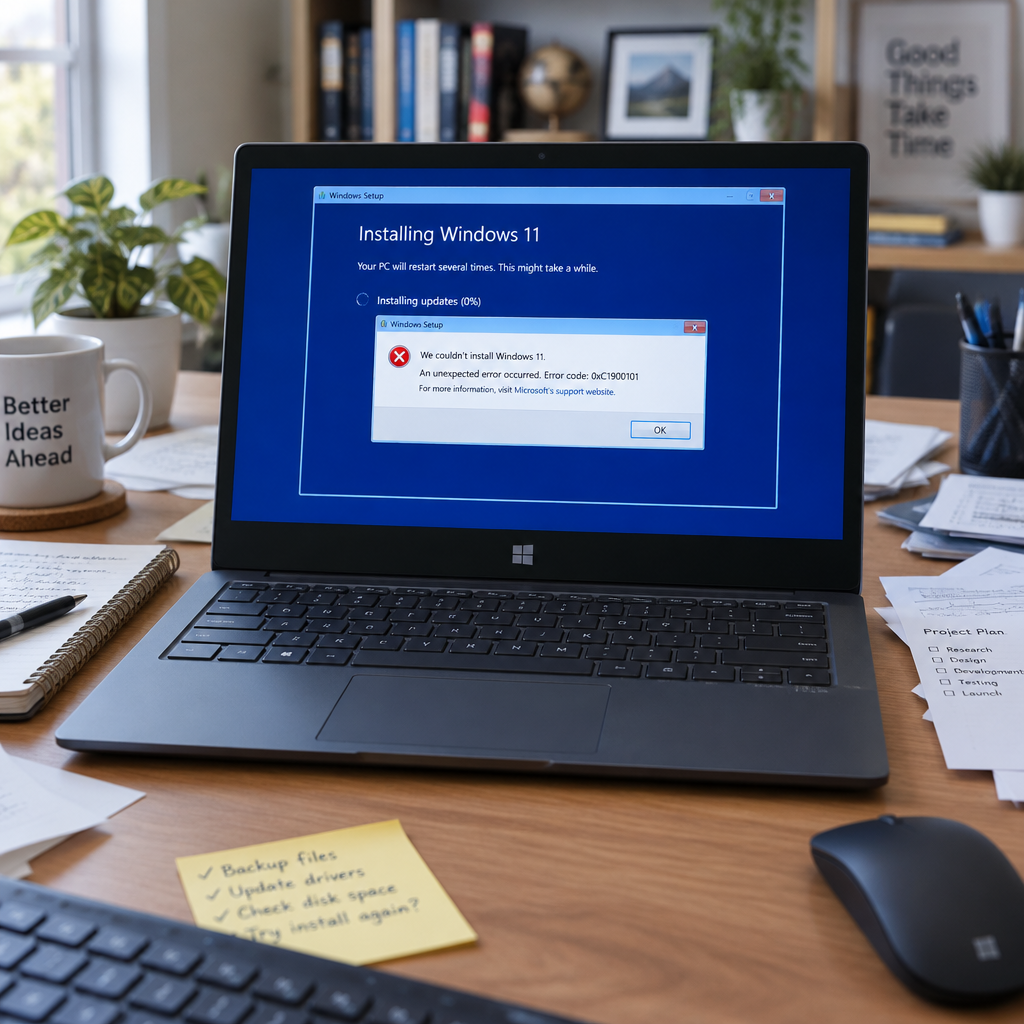
"When attempting to install the November 2026 Windows security update (the Originating KBs listed above), some devices might be unable to complete the installation. Affected devices might repeatedly attempt to install the update or display error code 0x80070306, 0x800f0989, or 0x800f0993," Microsoft said in a service update seen by BleepingComputer.
What failed: KB5132061 and the October preview (KB5127936)
Reports and Microsoft’s confirmation center on a single technical interaction: the November 2026 security update—most prominently identified as KB5132061—failing to install on a subset of Windows 11 systems that previously installed the October 2026 non-security preview update, KB5127936. Affected systems experience the installer locking midway, followed by error messages such as 0x800f0989 or 0x800f0993. Microsoft’s update advisory characterizes the problem as limited to devices that installed the October preview; devices that did not install KB5127936 are not affected.
Microsoft’s remediation timeline and guidance to administrators
Microsoft told IT administrators the installation issue will be repaired automatically. Specifically, the company said: "All affected devices should be repaired in 24 to 48 hours starting from November 11, 2026, 10am PT." Once the repair reaches a device, Microsoft added, the device will automatically download and install the November 2026 security update via Windows Update. The company further urged administrators still receiving reports of installation failures after the 48-hour window to contact Microsoft Support.

Audit-ready is a season. It shouldn't be.
Evidence in spreadsheets, controls drifting between audits, frameworks multiplying on flat headcount. Nubivance runs continuous compliance on Rapid7 Cyber GRC - SOC 2, HIPAA, ISO 27001, PCI, CMMC.
End the scrambleSymptoms and error codes administrators will see
Administrators and affected users have reported three related manifestations. First, the installation process may lock partway through. Second, devices might repeatedly attempt to install the update. Third, the process can end with one of several specific error codes: 0x80070306, 0x800f0989, or 0x800f0993. Those error codes are the same identifiers Microsoft cited in its advisory and in troubleshooting guidance seen by BleepingComputer.
Context inside 2026: a pattern of Windows 11 update installation problems
The November incident is the latest in a string of Microsoft update disruptions documented this year. In March, Microsoft withdrew a Windows 11 non-security preview update (KB5079391) after installations produced 0x80073712 errors. In May, the company remedied installation failures tied to the May 2026 Windows 11 security update (KB5089549) that surfaced as 0x800f0922 errors. And in June, Microsoft warned that some devices upgraded to Windows 11 24H2 or 25H2 might see 0x80073712 or 0x800f0993 errors when installing monthly updates. The company’s November advisory sits alongside those earlier actions as part of a documented sequence of remedial notices and fixes through 2026.
How IT administrators, technologists, and end users should respond
- IT administrators: Take note of Microsoft’s automatic repair window beginning November 11, 2026, 10am PT and the 24–48 hour timeframe Microsoft promised. Validate whether affected devices installed the October 2026 non-security preview (KB5127936); Microsoft said only those devices are affected. If installation failures persist beyond the 48-hour window, contact Microsoft Support as the company advised.
- Technologists and security teams: Monitor devices for the specific error codes Microsoft named—0x80070306, 0x800f0989, and 0x800f0993—and for repeated, failed install attempts. Compare current telemetry against the earlier March, May, and June incidents to determine whether the behaviour matches those prior failure modes.
- End users: Microsoft told end users they do not need to take action to receive the fix; affected machines should be repaired automatically and then will download and install the November 2026 security update via Windows Update after receiving the repair.
Microsoft’s advisory frames the situation narrowly: a limited set of devices with a specific October preview installed, a clear set of error codes, and an automatic repair schedule tied to a precise start time. The immediate, practical question left by the company’s timeline is operational: will the repairs roll out as promised within the 24-to-48-hour window beginning November 11, 2026, 10am PT, and will any organizations still reporting failures after that period receive timely, direct support? Administrators with lingering failures have a concrete escalation path—Microsoft Support—while the broader population of Windows 11 users who did not install the October preview are, according to Microsoft, unaffected.
Link to the original report: https://www.bleepingcomputer.com/news/microsoft/microsoft-confirms-kb5132061-installation-issues-0x80070306-0x800f0989-0x800f0993-errors/